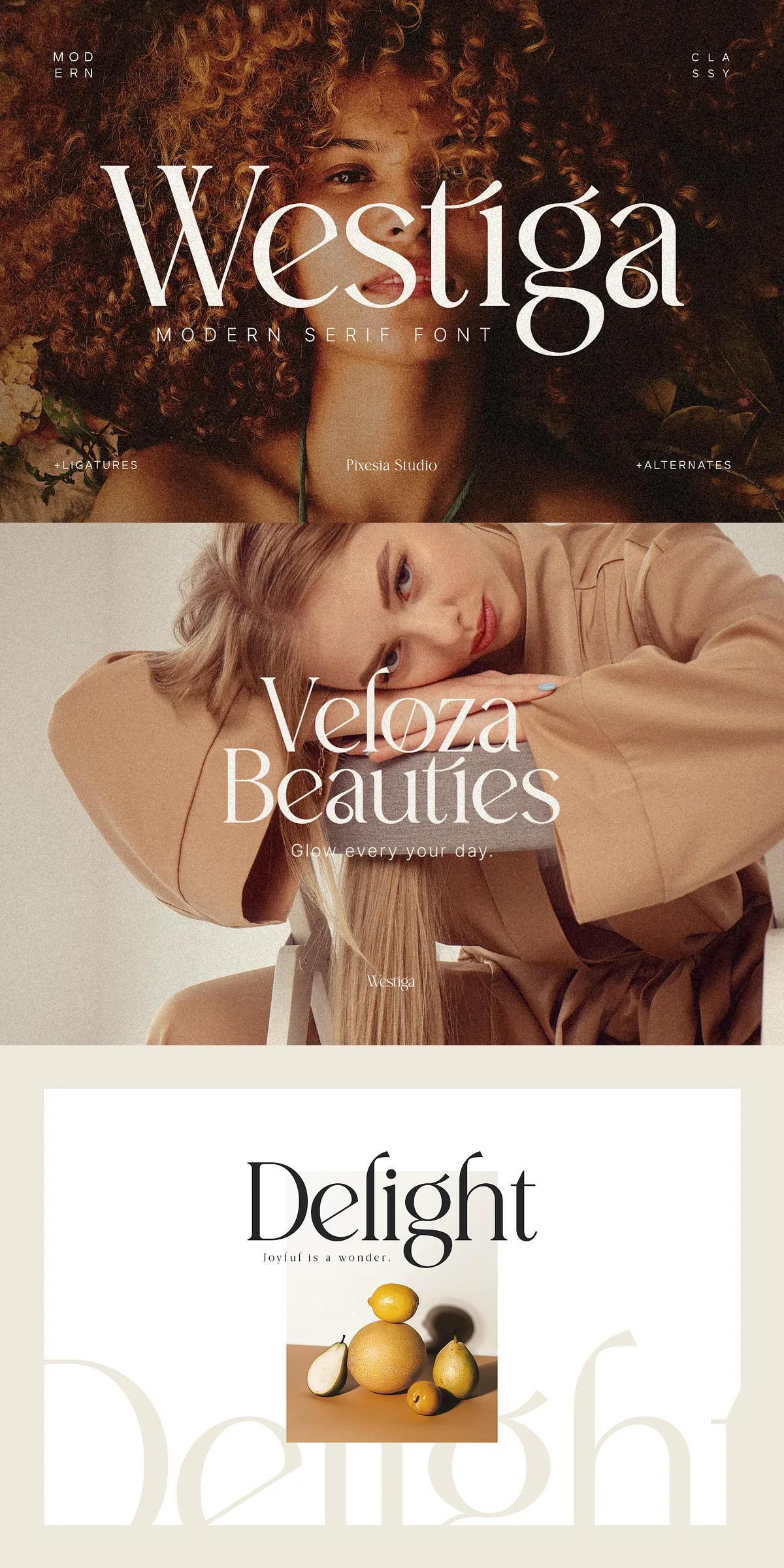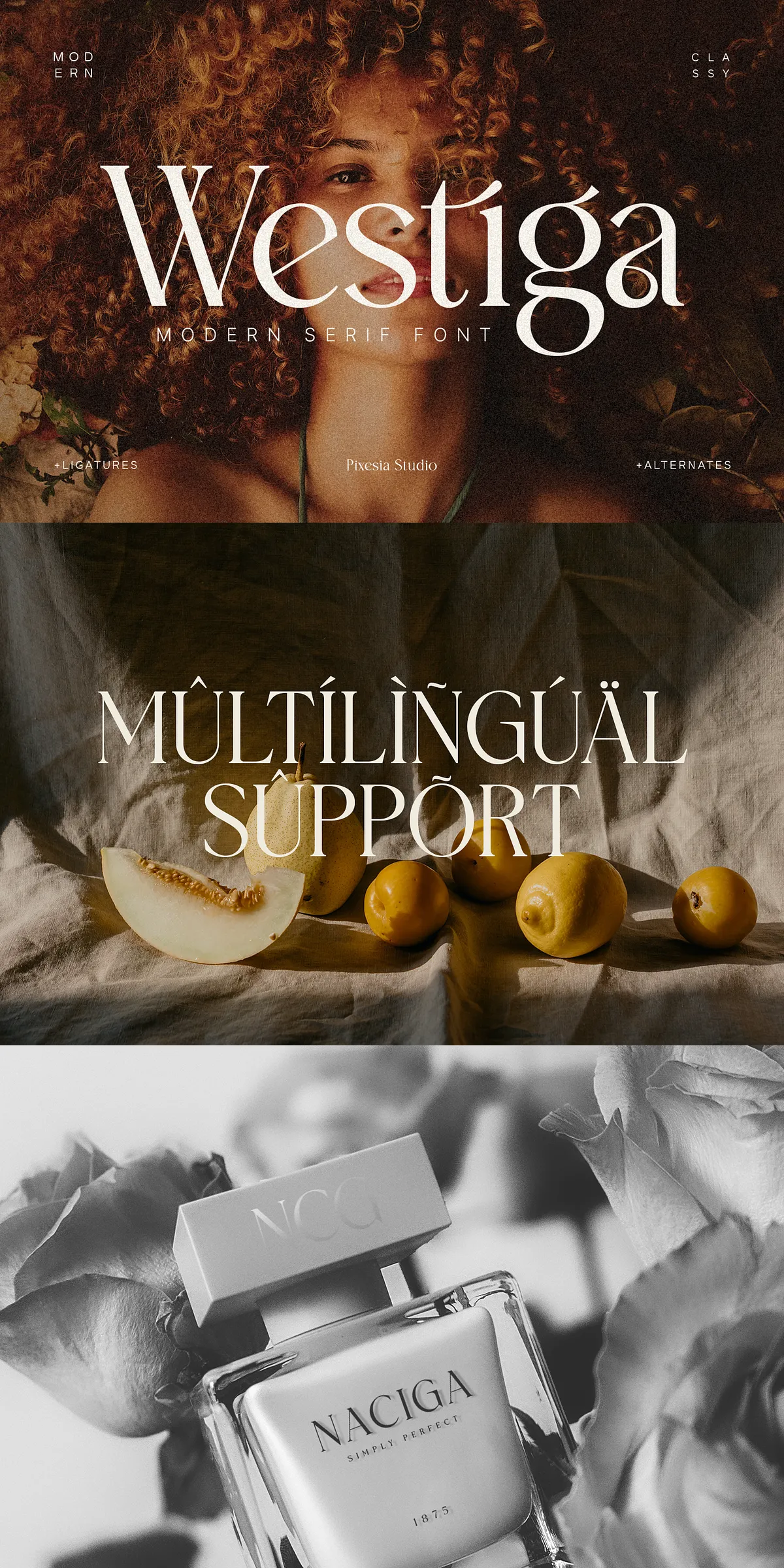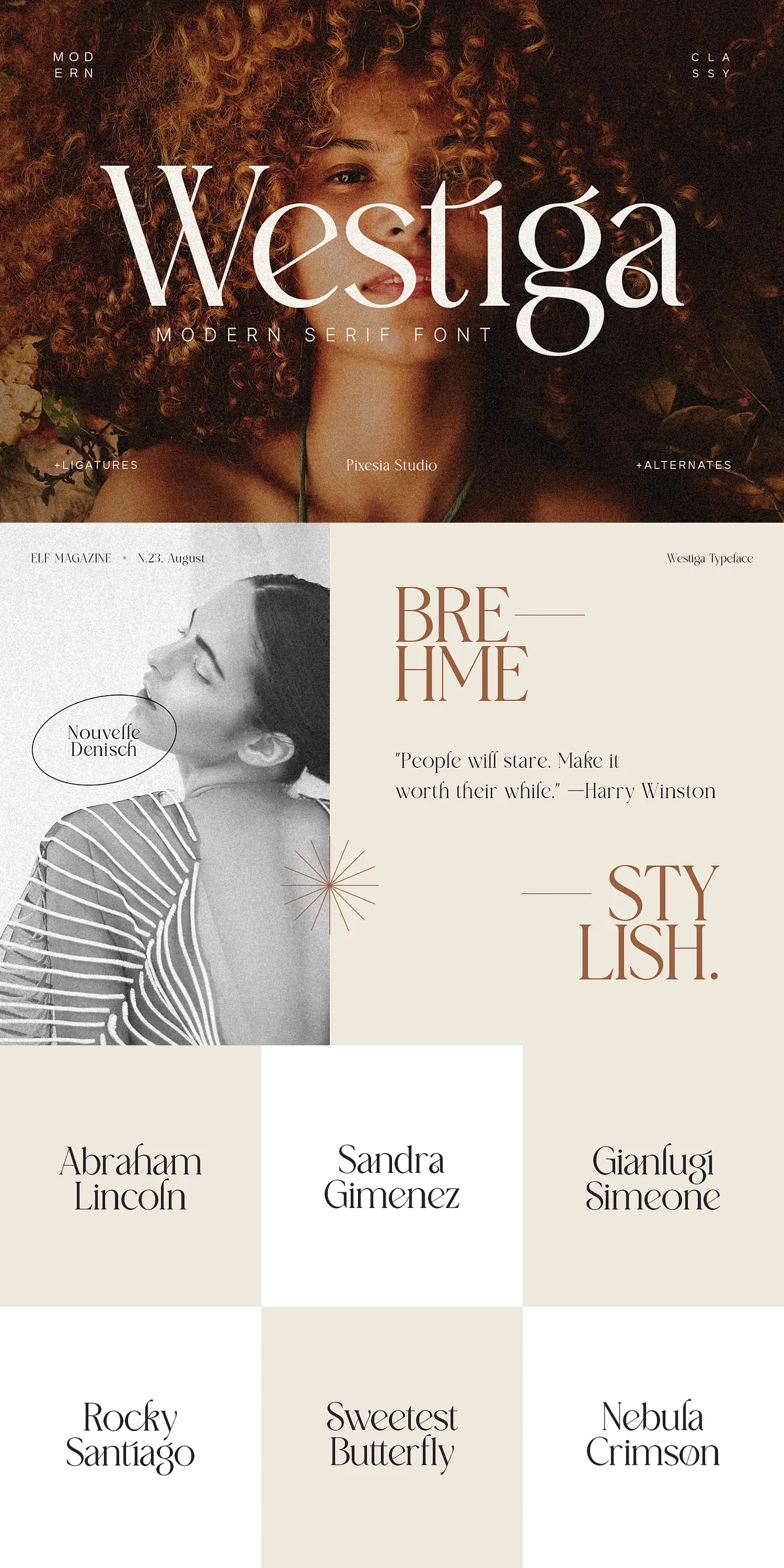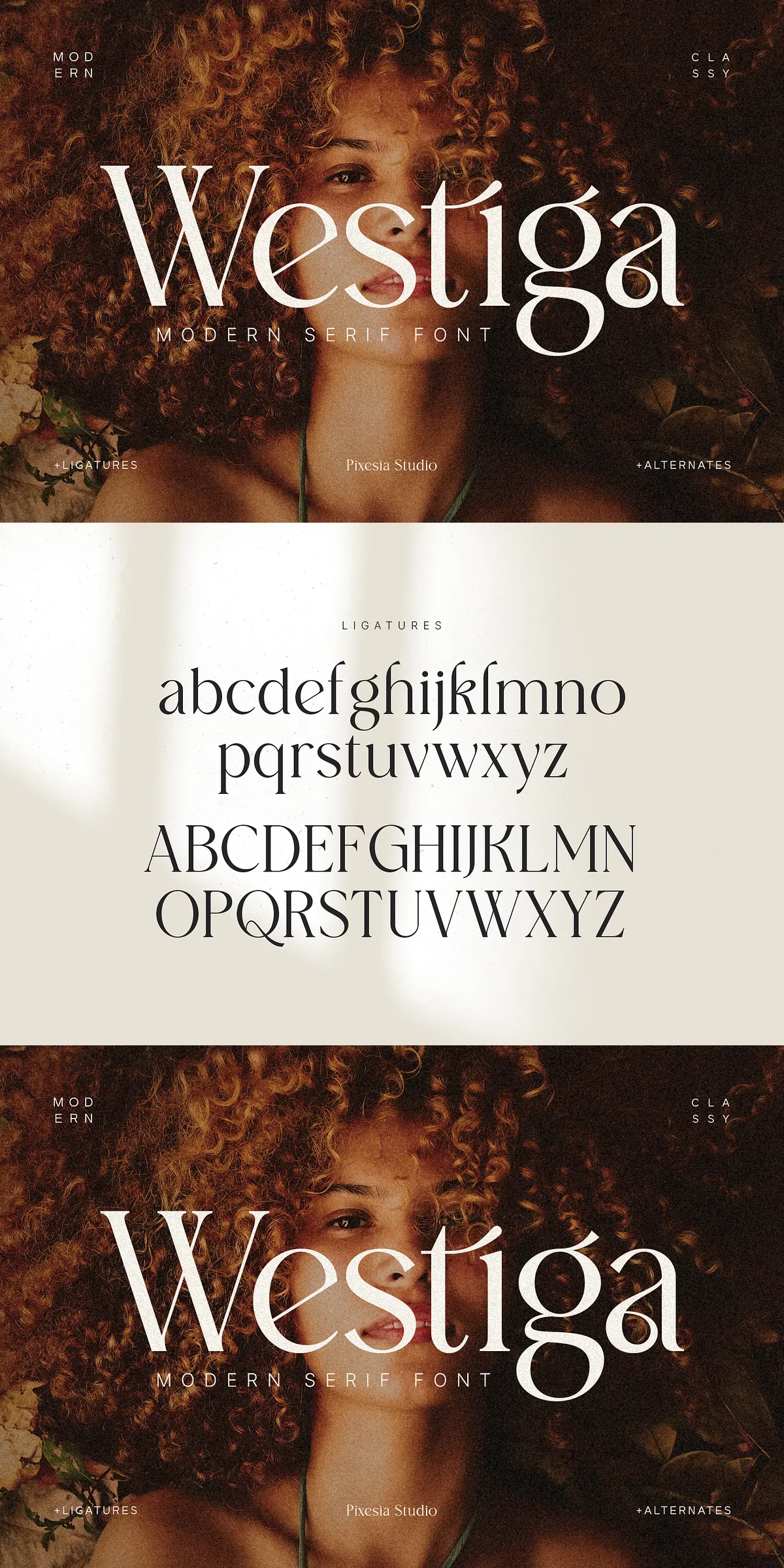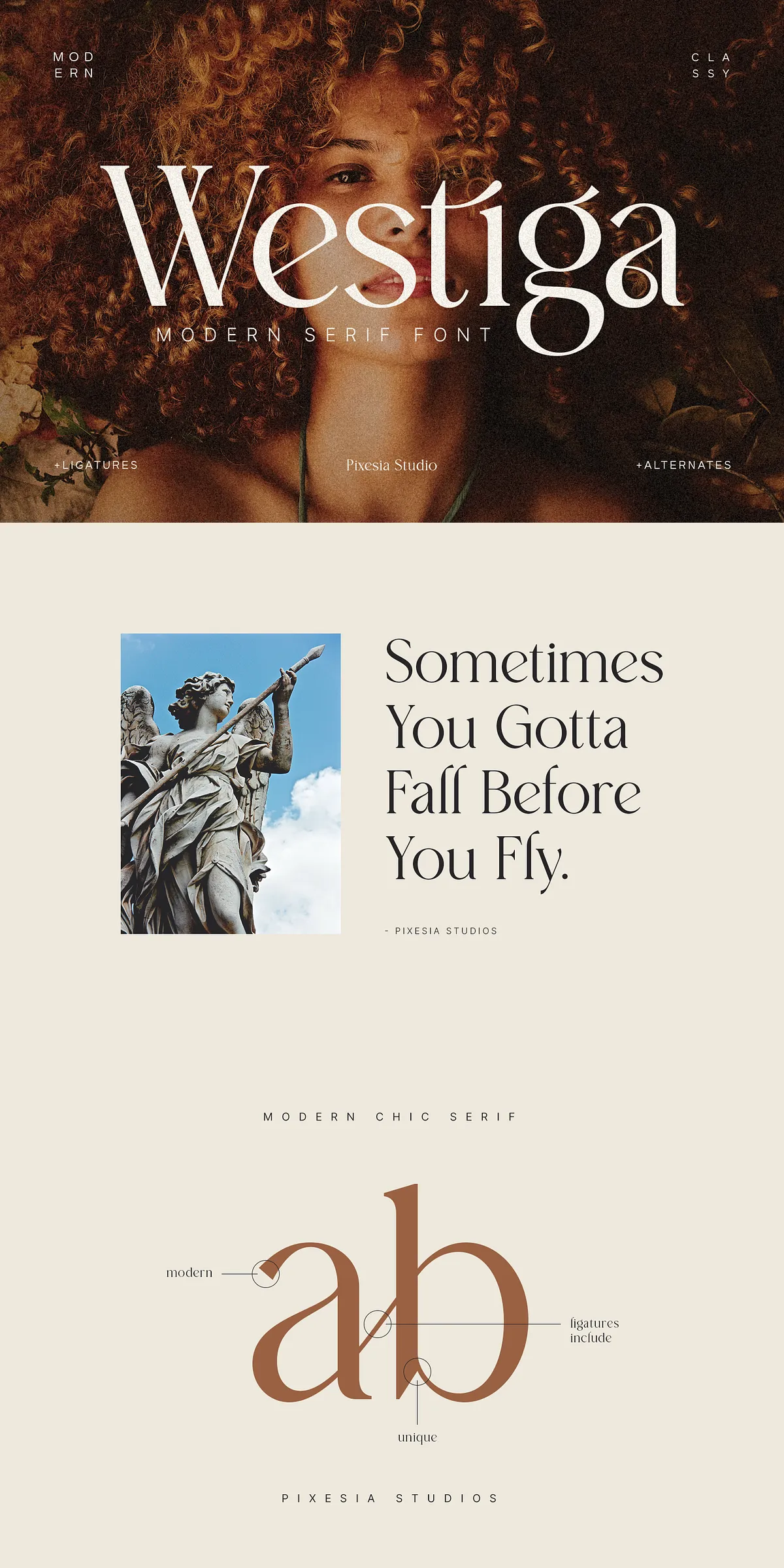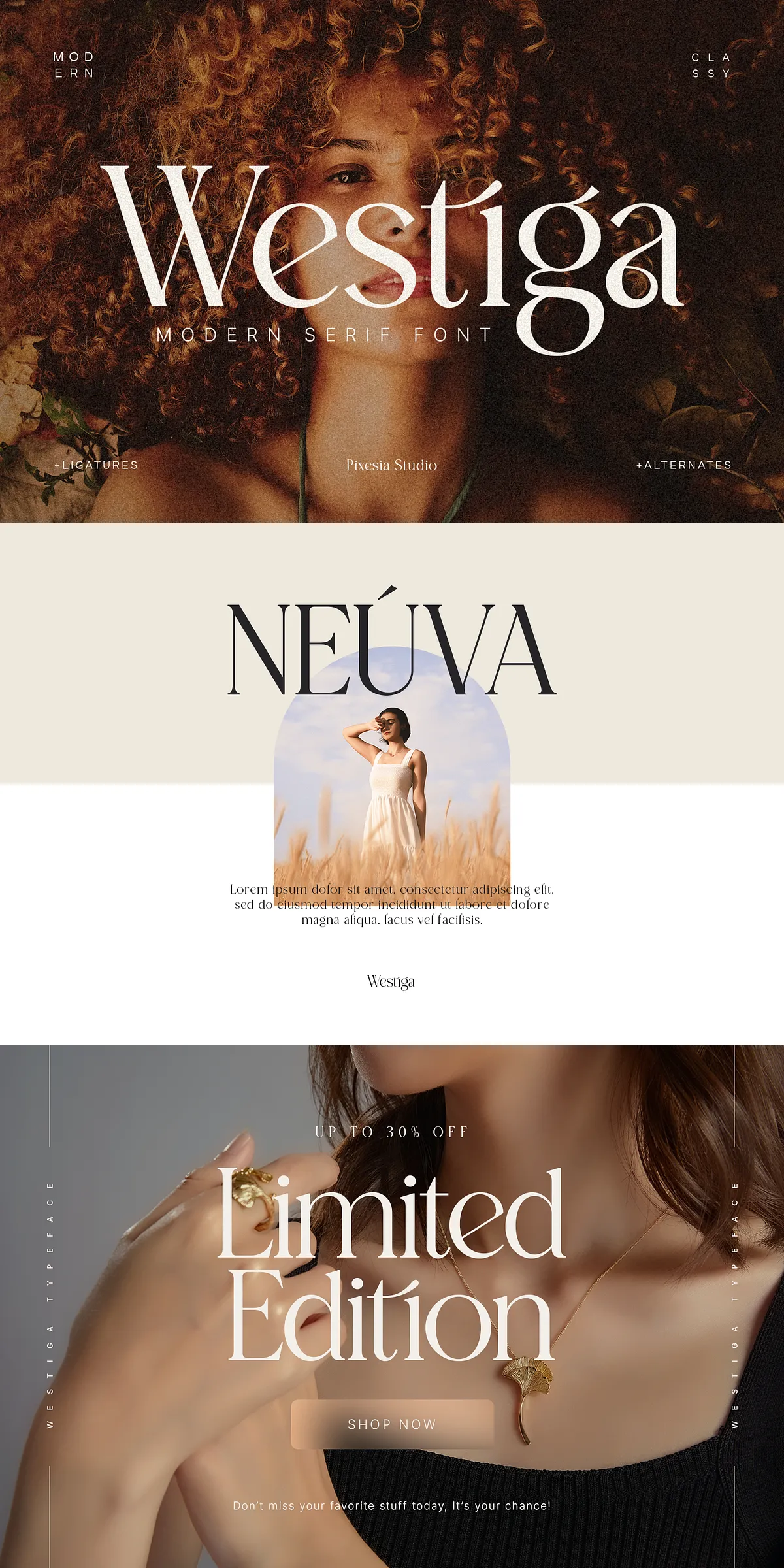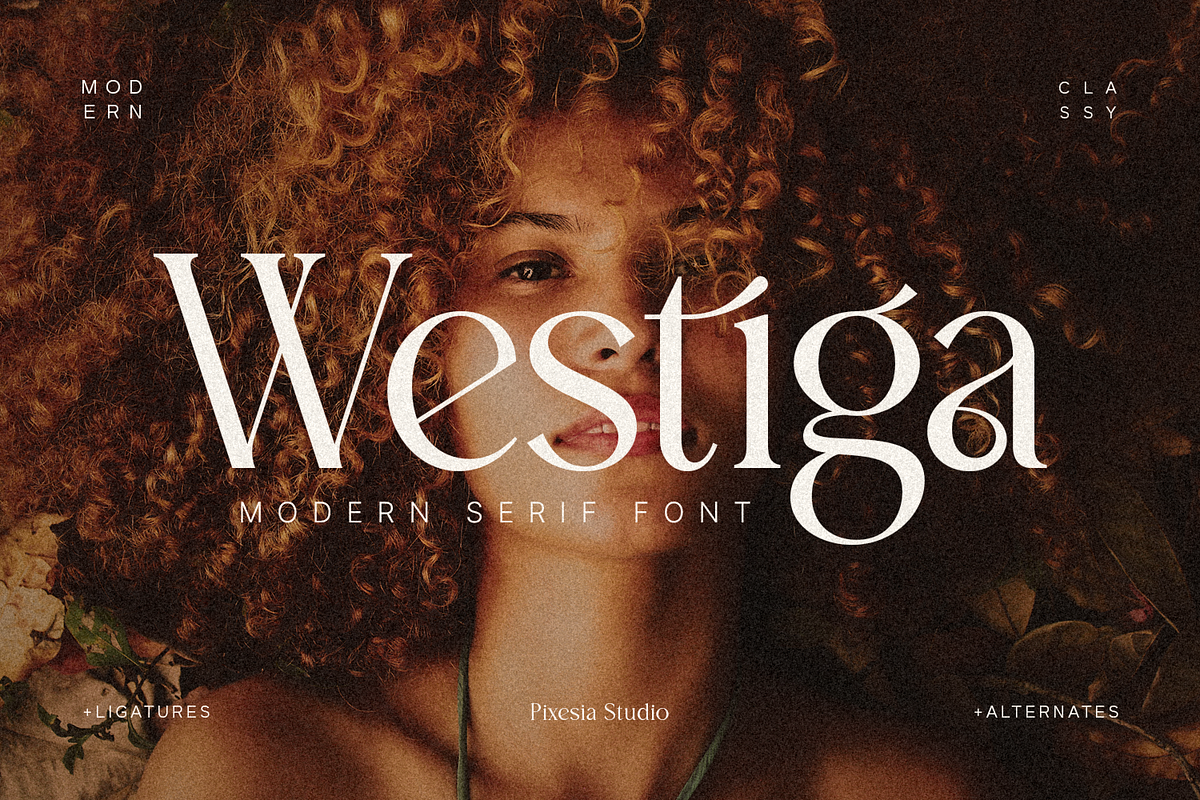

Westiga delivers a refined, contemporary serif voice that elevates logos, headlines, and premium branding. Designers choose Westiga when they need an elegant personality that reads clearly at display sizes and maintains character in body copy. Use Westiga to craft sophisticated magazine mastheads, product packaging, wedding invitations, monograms, merchandise, posters, book covers, and cinematic titles. The font’s crafted letterforms assert luxury while preserving flexibility across print and digital channels.
Included Technical Features And File Formats
The Westiga package equips you with practical features that streamline production and enhance creative control. Included features:
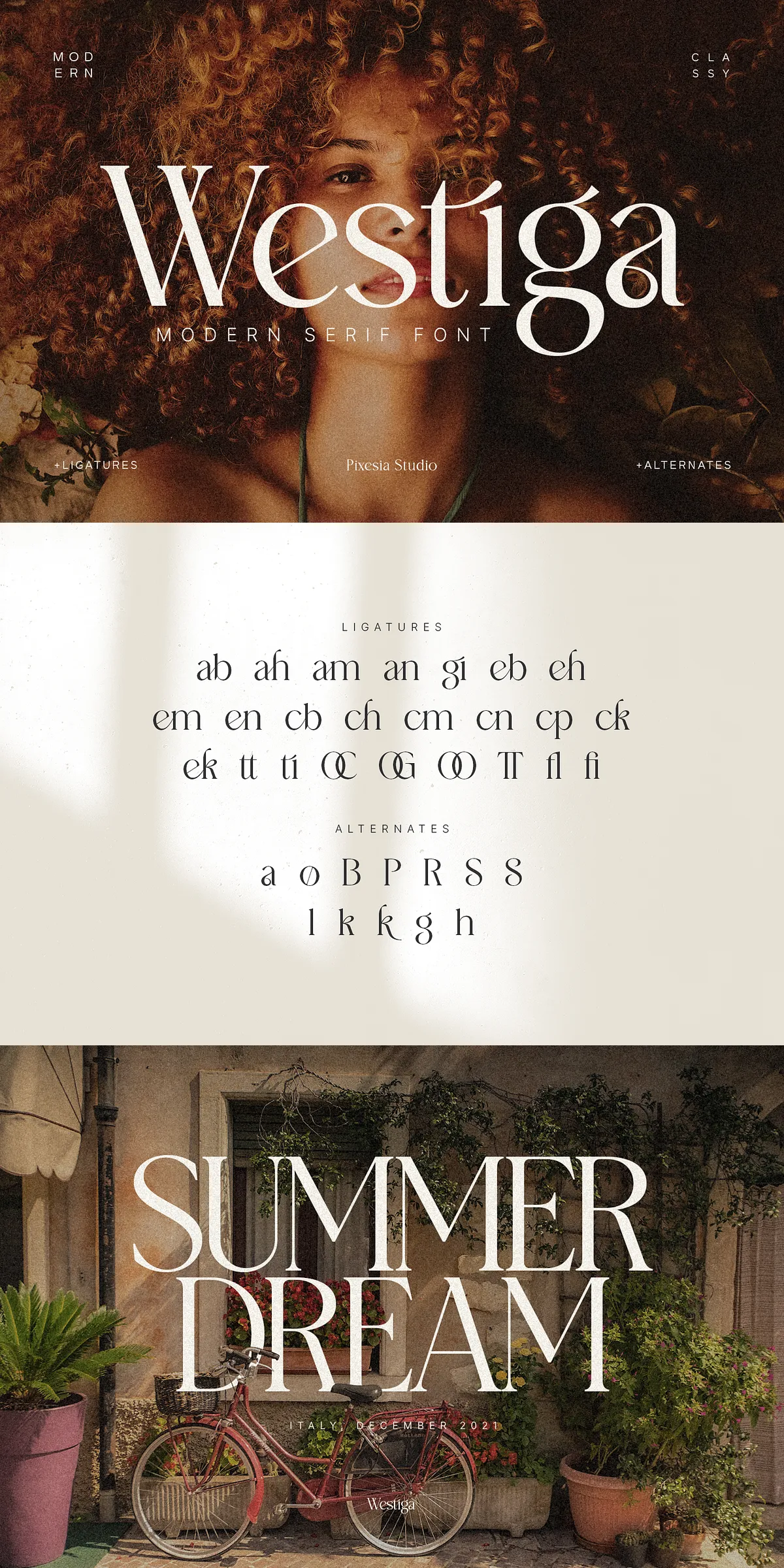
- Stylistic alternates that let you customize letter endings and visual tone.
- Contextual and discretionary ligatures to create smoother typographic flow.
- PUA (Private Use Area) encoding so special glyphs remain accessible without extra software.
- Complete sets of uppercase and lowercase letters, numerals, punctuation, and diacritics.
- Multilingual support for accented characters across many Latin-based languages.
- Provided file formats include OTF for full OpenType capabilities and WOFF/WOFF2 where required for web use (if included).
How To Maximize Westiga In Real Projects
Apply Westiga with intentional hierarchy and contrast. Pair the serif with a neutral sans-serif for body text to maintain readability. For packaging and logo work, increase tracking slightly and use stylistic alternates to create distinctive wordmarks. Use ligatures and alternates for display headlines and pull-quotes to inject bespoke character into your layouts. When designing invitations or monograms, combine uppercase alternates with tight spacing to emphasize elegance and exclusivity.
Recommended Software For Full Functionality Access
To activate Westiga’s OpenType features and access the full glyph set, open the font in applications that support OpenType lookups and glyph panels. We recommend:
- Adobe Illustrator, Adobe InDesign, and Adobe Photoshop (Creative Cloud) — full OpenType and glyph panel support.
- Affinity Designer and Affinity Publisher — strong OpenType support for alternates and ligatures.
- CorelDraw — reliable OpenType feature access for complex typography.
- Microsoft Word and macOS apps — basic support for standard characters; advanced OpenType lookups may be limited.
Note: Web platforms such as Canva may not expose advanced OpenType features like discretionary ligatures and stylistic sets. For the most control, finalize creative typography in apps that allow direct glyph and OpenType manipulation, then export PDFs or SVGs for web and print use.
Installation, Licensing, And Practical Tips For Designers
Install Westiga easily on PC or Mac using the provided installer or by manually placing the OTF files in your system fonts folder. Review the bundled license to confirm permitted commercial uses, web embedding allowances, and distribution conditions. If you plan to use Westiga on multiple sites or in a product for resale, verify the correct license tier.
Design Tips To Improve Visual Impact Quickly
- Start headlines in Westiga at larger sizes to reveal its crafted details and alternates.
- Use subtle letterspacing adjustments when switching between alternates to maintain optical balance.
- Test printed proofs for packaging projects: small counters and fine details sometimes need slight weight adjustments for production fidelity.
- Combine Westiga with complementary color palettes and materials (pressed paper, foil stamping) to emphasize luxury applications.
Support, Updates, And Final Notes For Users
Westiga ships with straightforward installation instructions and is built to work across popular design ecosystems. We provide updates and encourage feedback to refine glyph sets and compatibility. If you encounter rendering issues or need help accessing special characters, contact the vendor with your software version and sample files so we can assist quickly. Embrace Westiga to create confident, upscale typographic identities that perform across branding, editorial, and product design workflows.