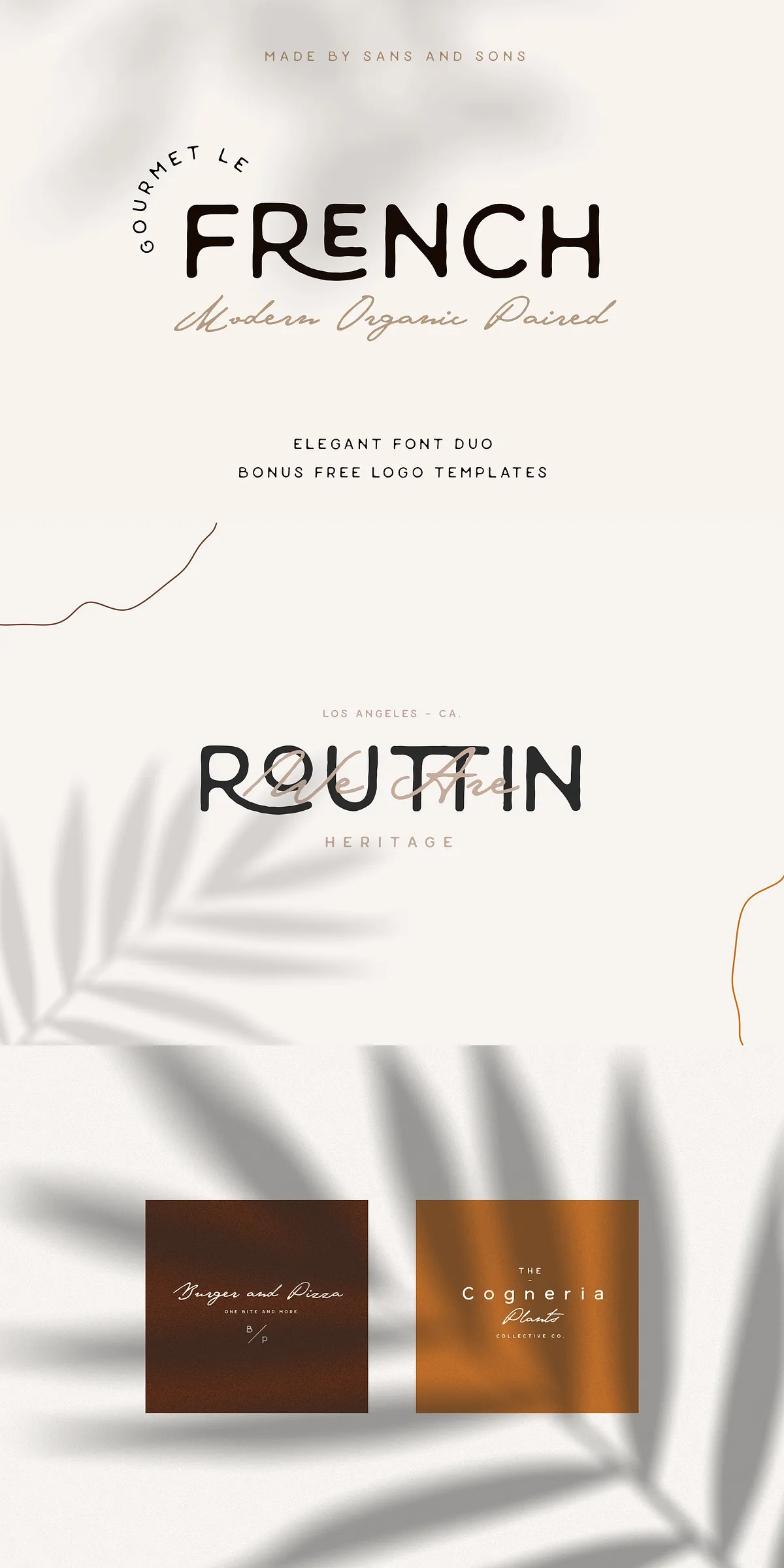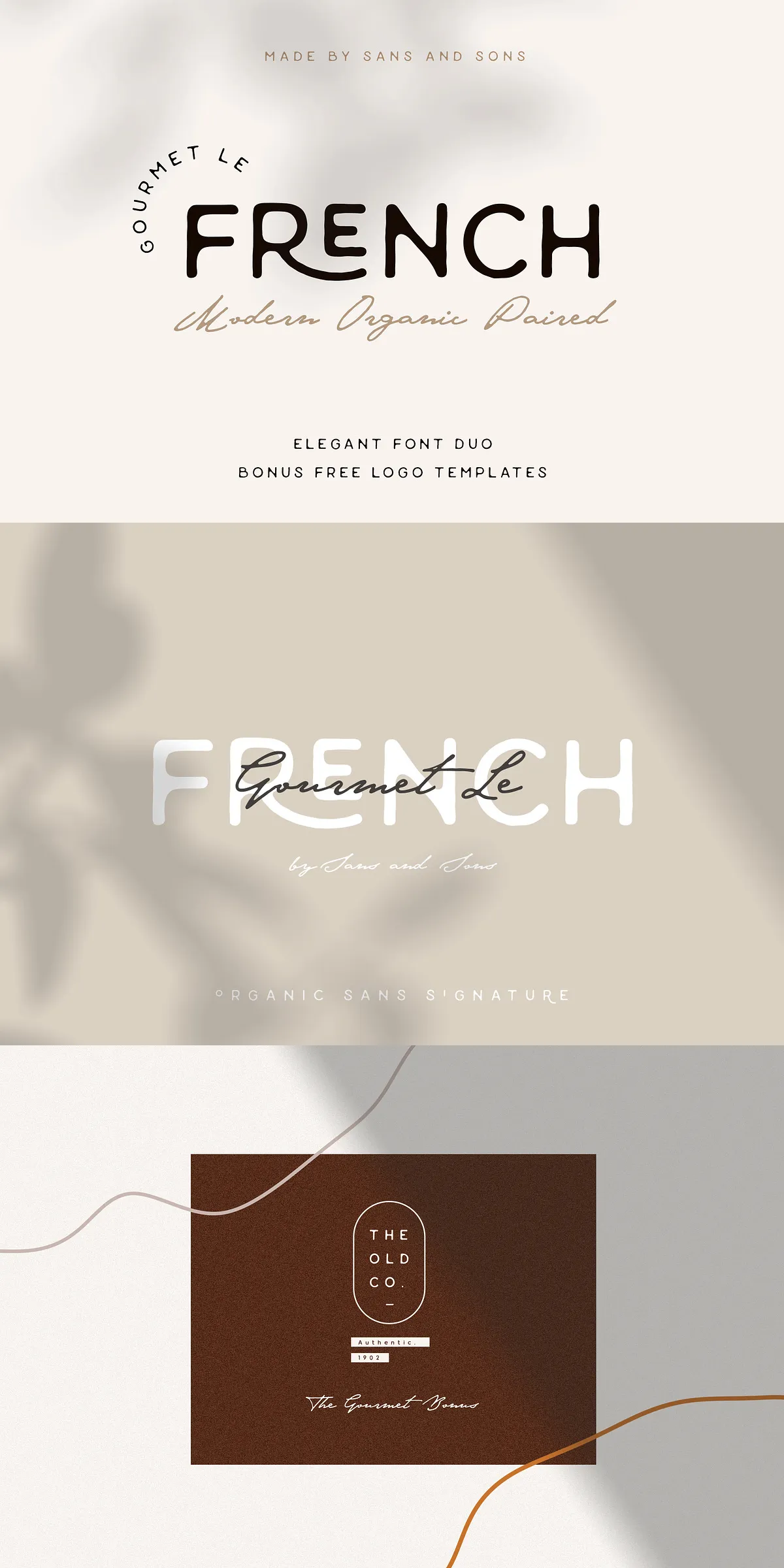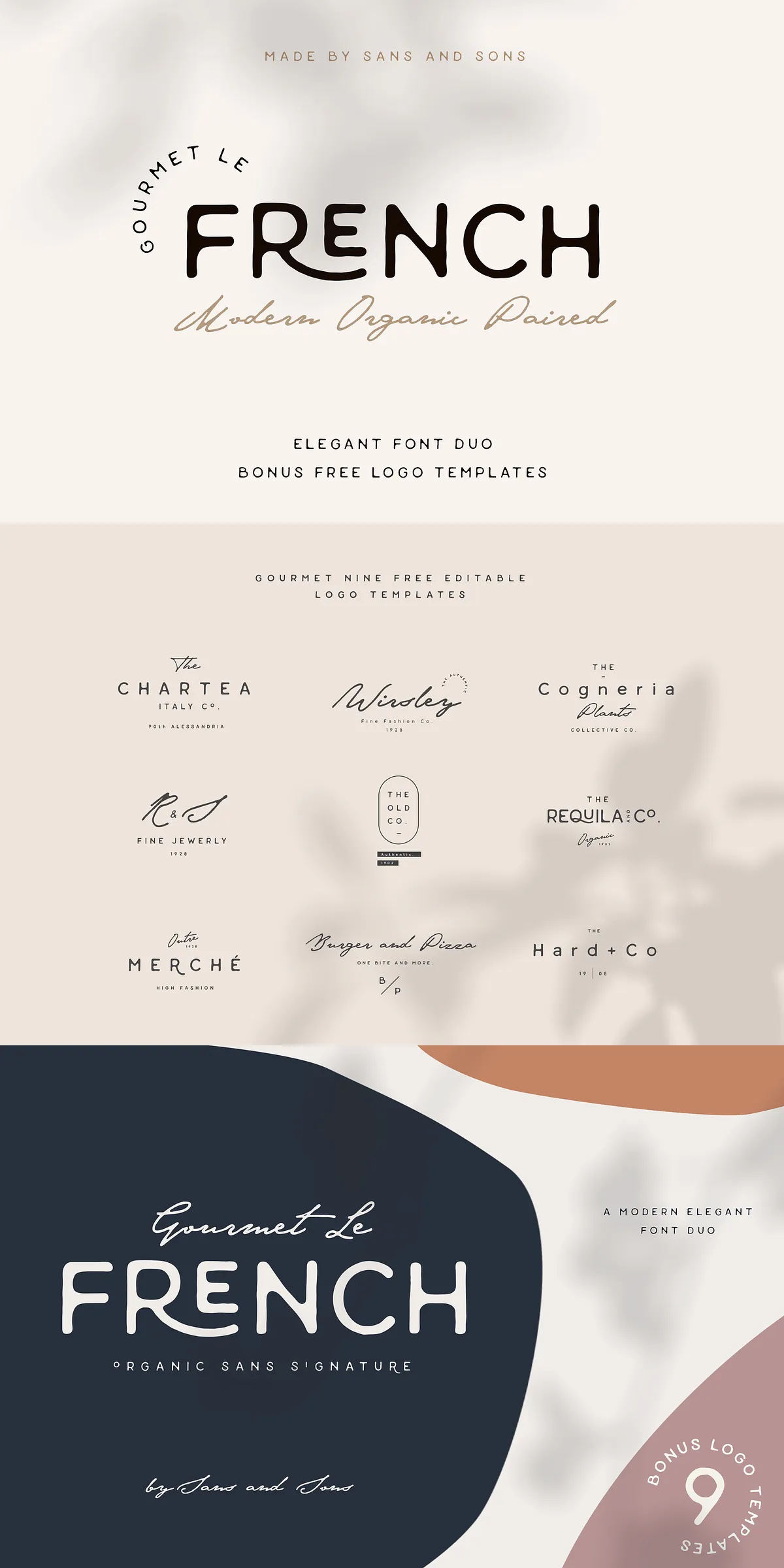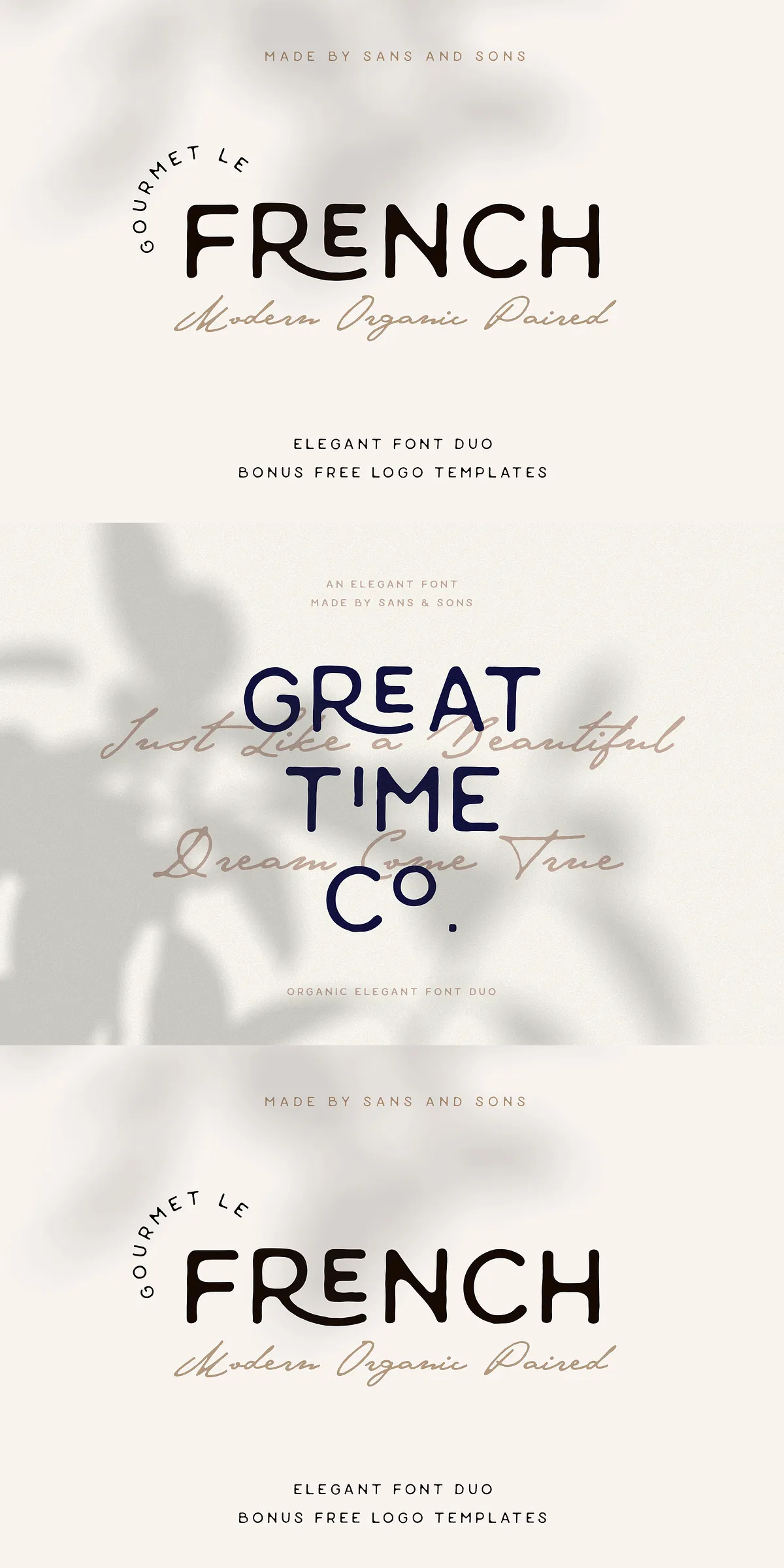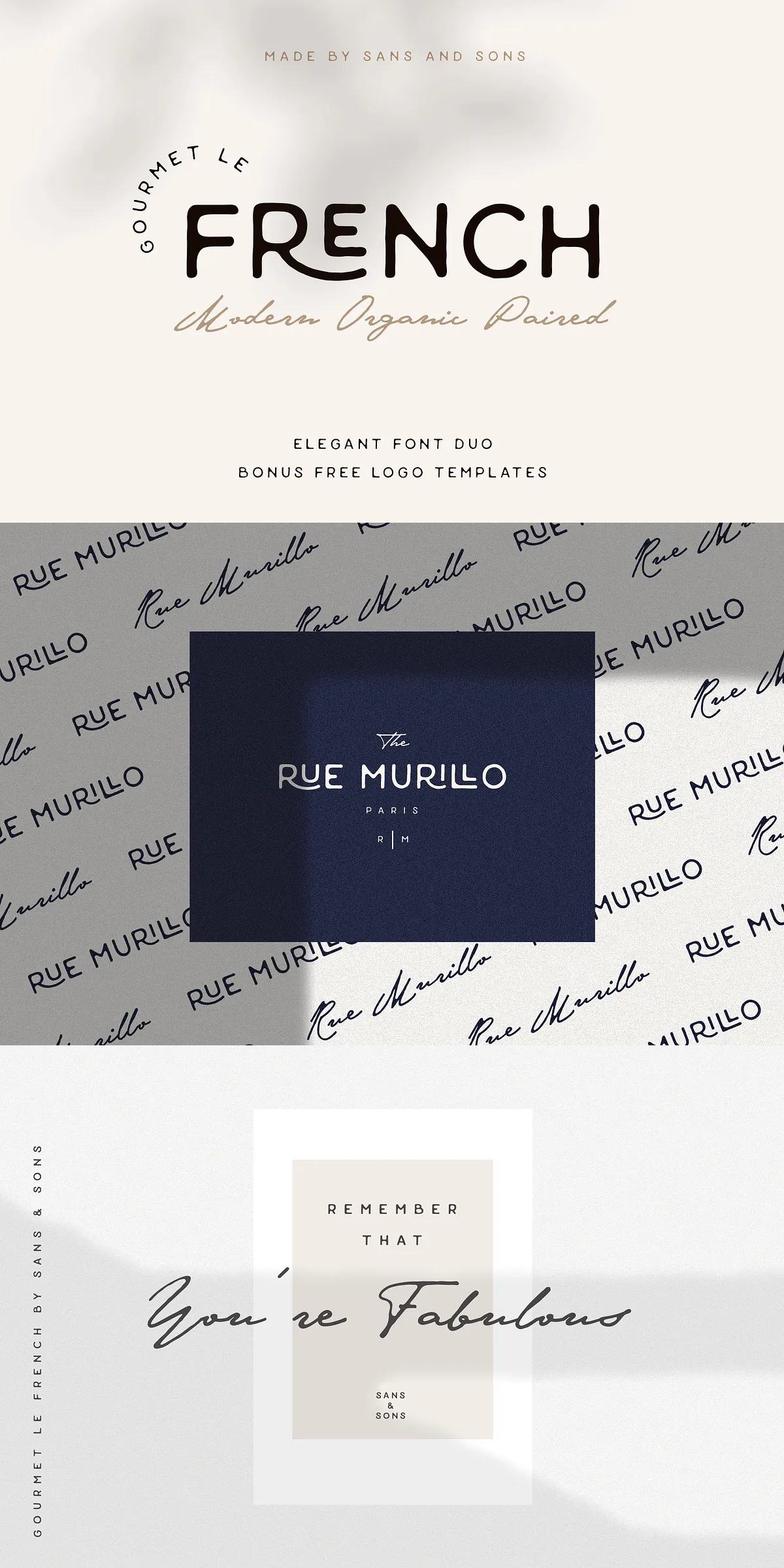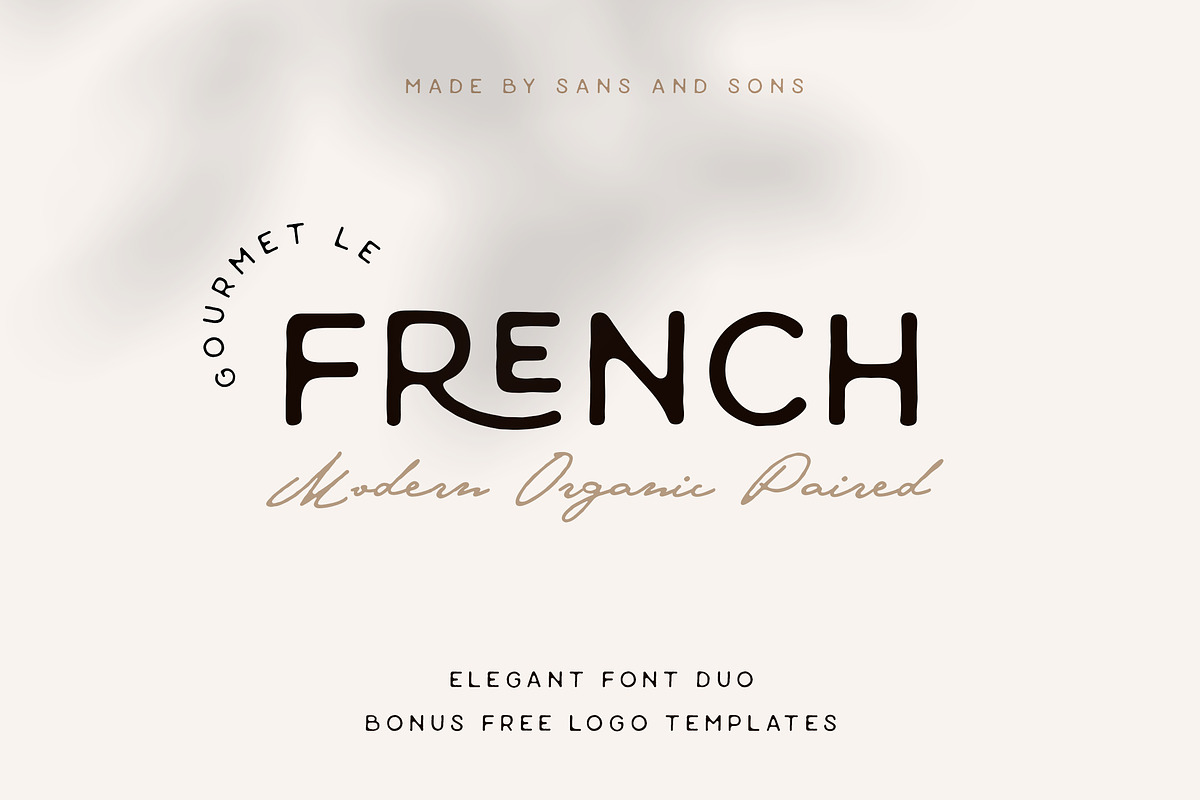

Gourmet Le French presents a cohesive type family that blends organic modernity with refined elegance. This paired duo — a contemporary sans and a complementary script — empowers designers to create cohesive visual systems with confidence. The Sans provides clean structure and clarity for headlines and body text, while the Script injects expressive personality for logotypes, signatures, and decorative accents. Together they form a polished toolkit tailored for premium branding, invitations, packaging, and editorial use.
Design Features And Practical Font Capabilities Explained
- Multilingual Support: The family includes extended language coverage so you can publish confidently across markets.
- Ligatures and Alternates: Gourmet Le French Sans ships with carefully crafted ligatures and alternate characters to refine letter combinations and improve flow.
- PUA Encoded Glyphs: The Script fonts include PUA-encoded swashes and stylistic alternates for easy access in common design applications.
- Robust Character Set: Uppercase, lowercase, numerals, punctuation, and essential diacritics are included for versatile typesetting.
What The Package Contains And File Formats Included
The distribution delivers ready-to-use desktop files so you can implement the fonts immediately in print and digital projects. Files are optimized for reliable rendering and straightforward installation.
Files Included With Your Purchase
- Gourmet Le French Sans.otf
- Gourmet Le French Sans.ttf
- Gourmet Le French Script.otf
- Gourmet Le French Script.ttf
Recommended Applications And Creative Use Cases
Gourmet Le French adapts to a wide spectrum of design needs. Use the Sans for clear navigation, editorial subheads, and body text where neutrality and modernity matter. Deploy the Script for logotypes, invitation headlines, product names, and decorative flourishes that call attention. The paired approach accelerates workflow and maintains aesthetic cohesion across brand touchpoints.
Practical Project Examples And Design Tips
- Brand Identity: Combine Sans for corporate lockups and Script for signature marks to project elegance and approachability.
- Invitations & Stationery: Use the Script for names and headings, and the Sans for event details to ensure readability and beautiful contrast.
- Packaging & Labels: Apply the Script to brand names and the Sans to ingredient lists and regulatory text for clarity and style balance.
- Digital & Web: Use web-optimized equivalents or convert files for web font delivery; keep the Sans for UI text and the Script for hero imagery.
How To Install And Access OpenType Features
Install the OTF or TTF files on your system using standard font installation procedures. Access ligatures, alternates, and swashes via your design app’s OpenType panel or by selecting PUA-encoded characters through a glyphs panel. For consistent results, test kerning and tracking at headline sizes and enable discretionary ligatures only when they improve word shapes.
Licensing, Support, And Customer Assistance
The package is delivered with desktop font files. For extended licensing (webfont kits, app embedding, multi-user licenses) or technical help, contact the seller directly. The team provides timely assistance for installation questions and will help you choose the correct license for commercial projects.