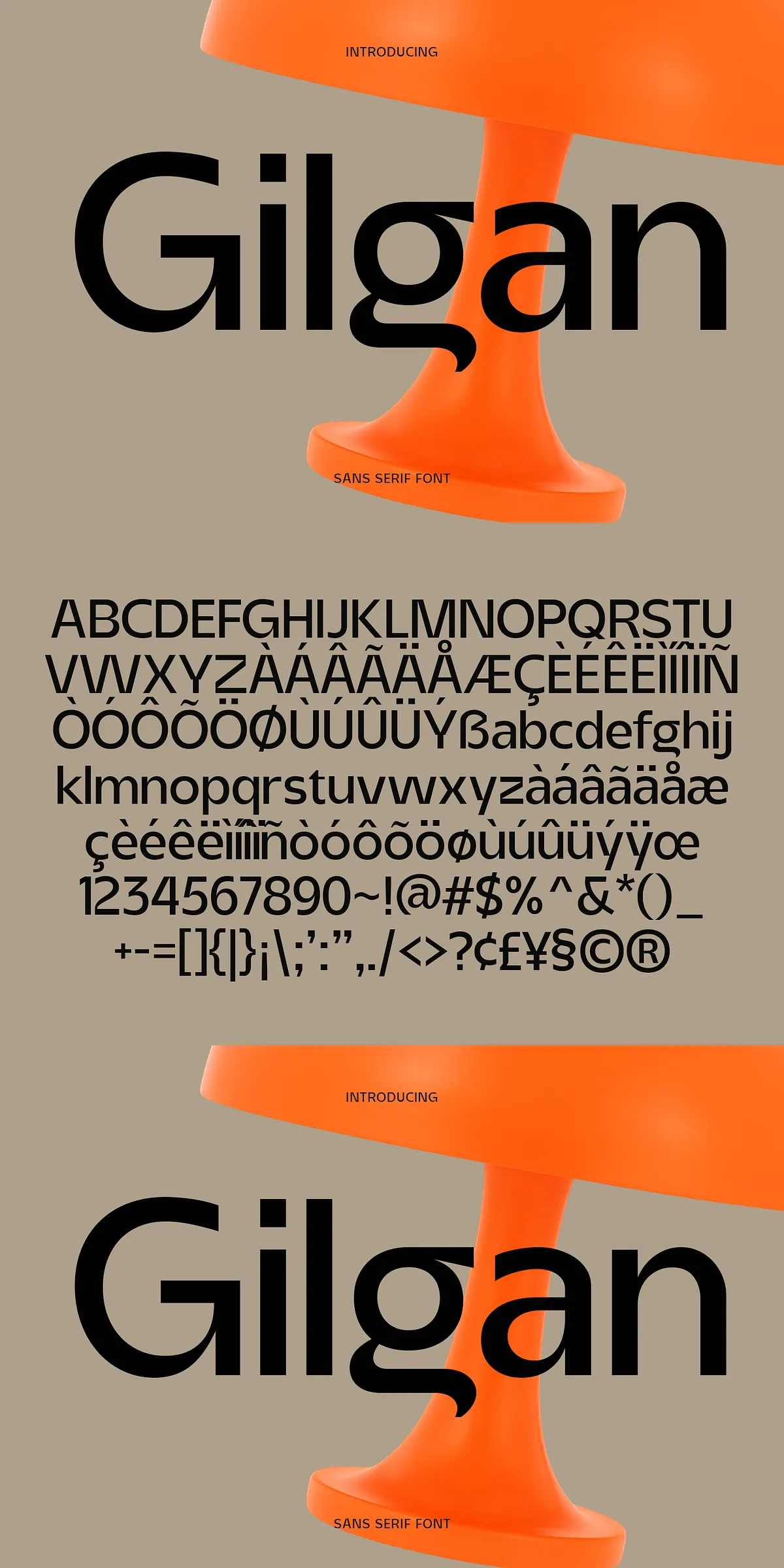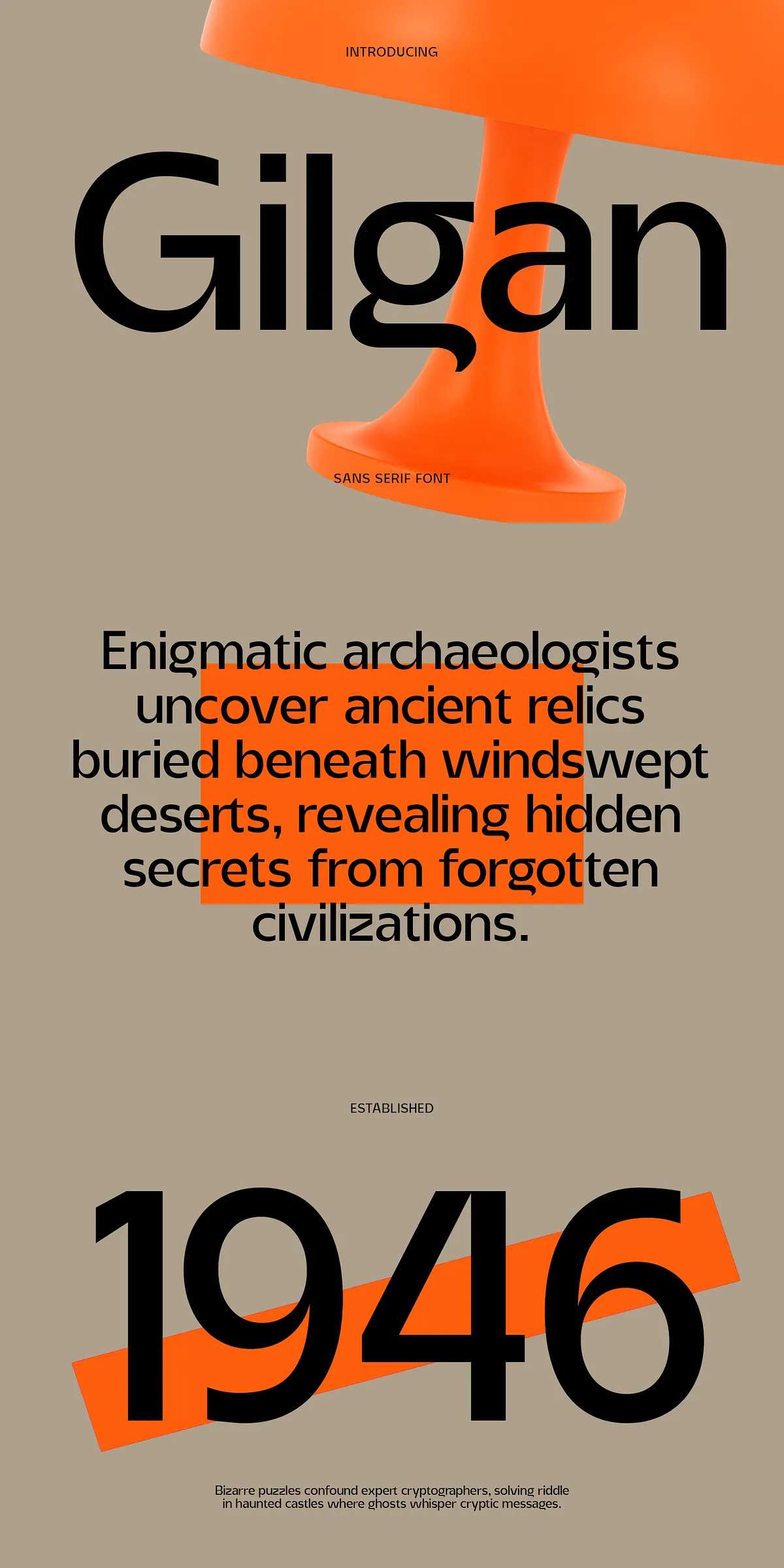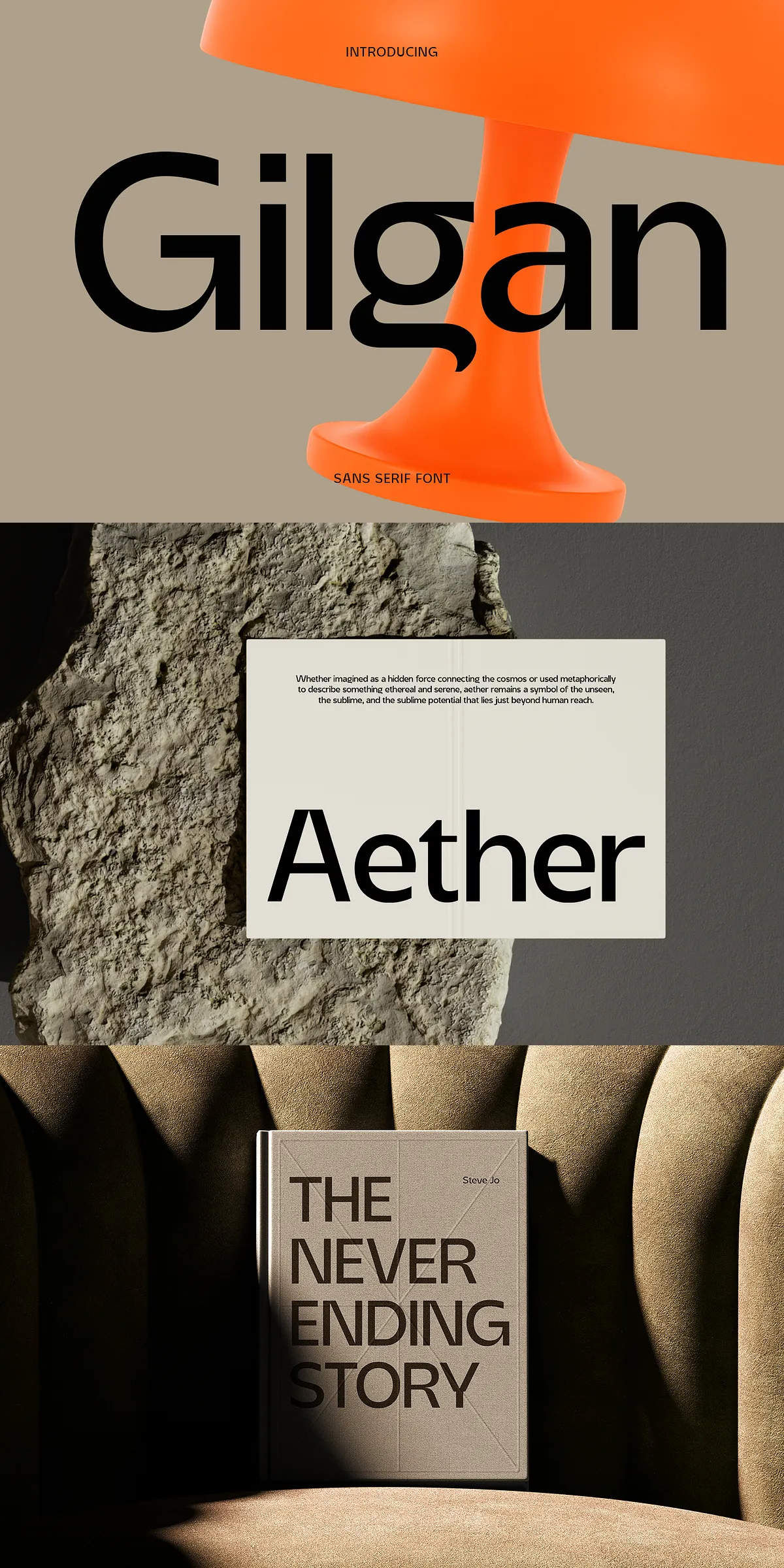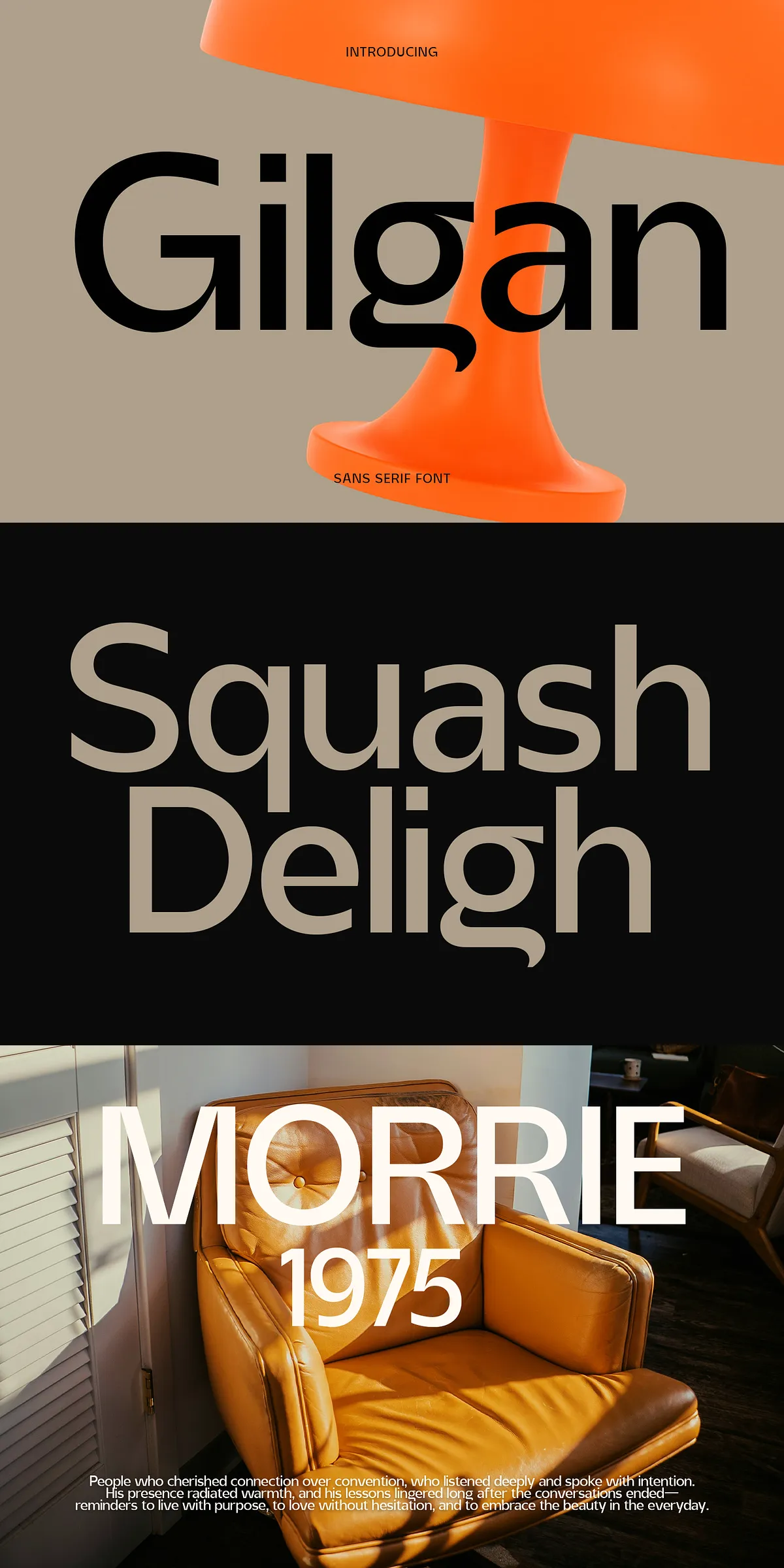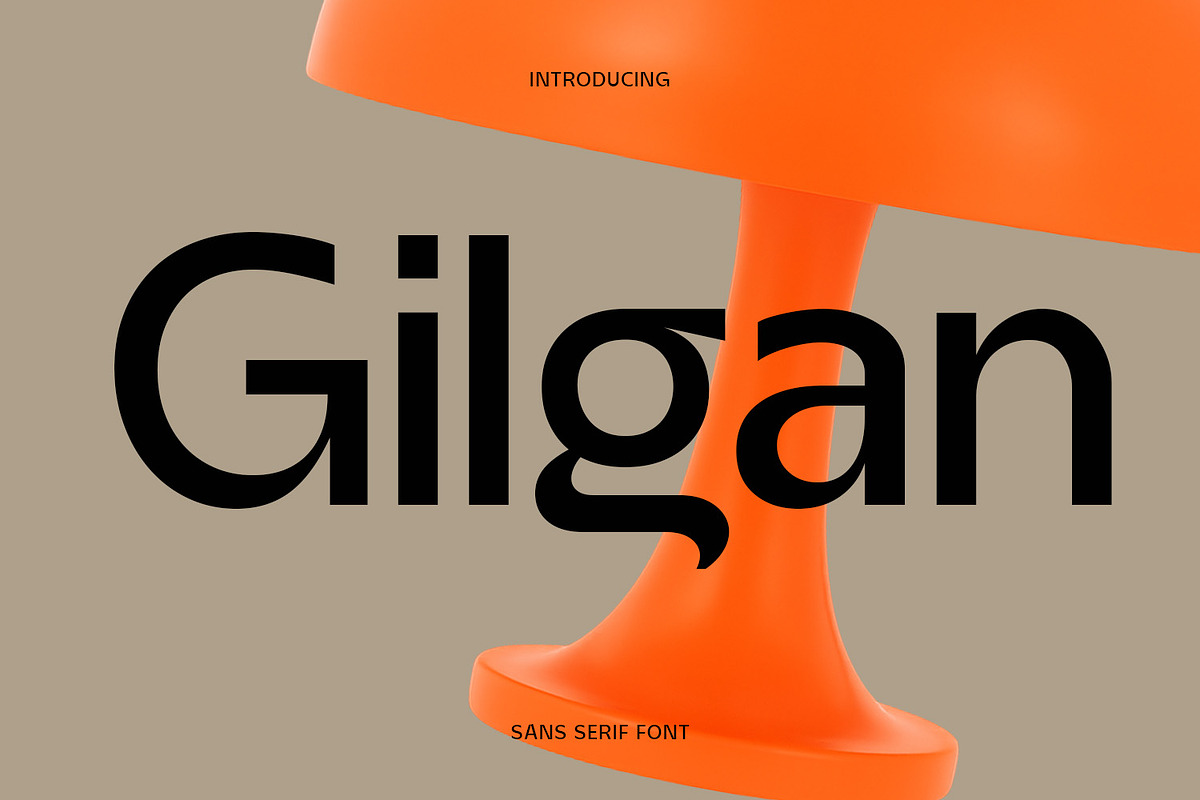

Gilgan delivers a focused, contemporary voice for designers who demand clarity and personality. Built with strong verticals, generous counters, and subtle geometric accents, Gilgan reads clearly at large and small sizes. It balances professional restraint with a touch of warmth, enabling it to serve across branding, editorial layouts, web interfaces, and minimalist packaging. Use Gilgan when you want typography that supports messaging without overpowering it.
Key Features That Define Gilgan Typeface
Gilgan combines structure and character to produce a versatile real-world tool for designers. Key features include:
- Clear vertical stems and balanced proportions that reinforce legibility.
- Generous counters and open apertures that improve readability at small sizes.
- Subtle geometric influences that add contemporary personality without gimmickry.
- Neutral yet friendly letterforms that adapt to many visual tones.
- Consistent spacing and optical kerning designed for tight headlines and extended text.
Ideal Projects And Primary Use Cases
Gilgan performs strongly wherever a confident, restrained type voice is required. Typical applications include:
- Logo systems and wordmarks that need a modern, trustworthy appearance.
- Editorial headlines and section titles that demand crisp display qualities.
- Web and app interfaces where clarity, economy, and visual calm are priorities.
- Minimalist packaging and product labeling that rely on refined typographic hierarchy.
- Presentations and marketing collateral that require a polished typographic foundation.
Design Pairings, Spacing And Visual Balance
Pair Gilgan with neutral serif or humanist sans serif faces for supporting body copy to create clear hierarchy. For example, combine Gilgan headlines with a readable serif for long-form editorial or with a neutral grotesk for product pages. Use condensed weights for tight lockups and wide or medium weights for impactful display headlines. Maintain generous line-height for extended copy and tighten tracking for compact logos—Gilgan adapts well to both treatments.
Typography Recommendations For Strong Results
Apply Gilgan as a primary display face and reserve a simpler body face for dense copy. Use moderate letterspacing for uppercase treatments to preserve legibility. When creating logos, test glyph spacing at actual application sizes and adjust kerning visually. If you apply textured treatments or color overlays, preserve contrast to keep counters open and readable.
Technical Formats And Platform Compatibility
Gilgan typically ships in common desktop and web formats to match modern production workflows. Expect OTF/TTF files for desktop use and webfont formats for integration with CSS @font-face. The face installs smoothly on macOS and Windows environments and works reliably across standard design software.
For distribution or download references, check available sources and licensing notes such as this listing: [Gilgan Font on DaFont](https://www.dafont.com/gilgan.font).
Licensing, Installation, And Production Notes
Before deploying Gilgan commercially, review the font license to confirm permitted uses. Licenses may vary between personal use and commercial distribution, and some downloads require a paid license for promotional or product use. When sending files to print, convert live type to outlines where the print vendor requests it, and request a physical proof to validate scale and color on the chosen substrate.
How To Get Started Quickly With Gilgan Today
To begin using Gilgan, install the provided font files in your system font manager, or upload webfont packages to your server and reference them via CSS. Start by crafting a few exemplar lockups—logo, hero headline, and body text—to develop a consistent typographic system. Test across devices and print mockups to confirm the face performs at the sizes and mediums you plan to use. Gilgan moves projects forward by providing a clear typographic voice that supports confident, contemporary design.