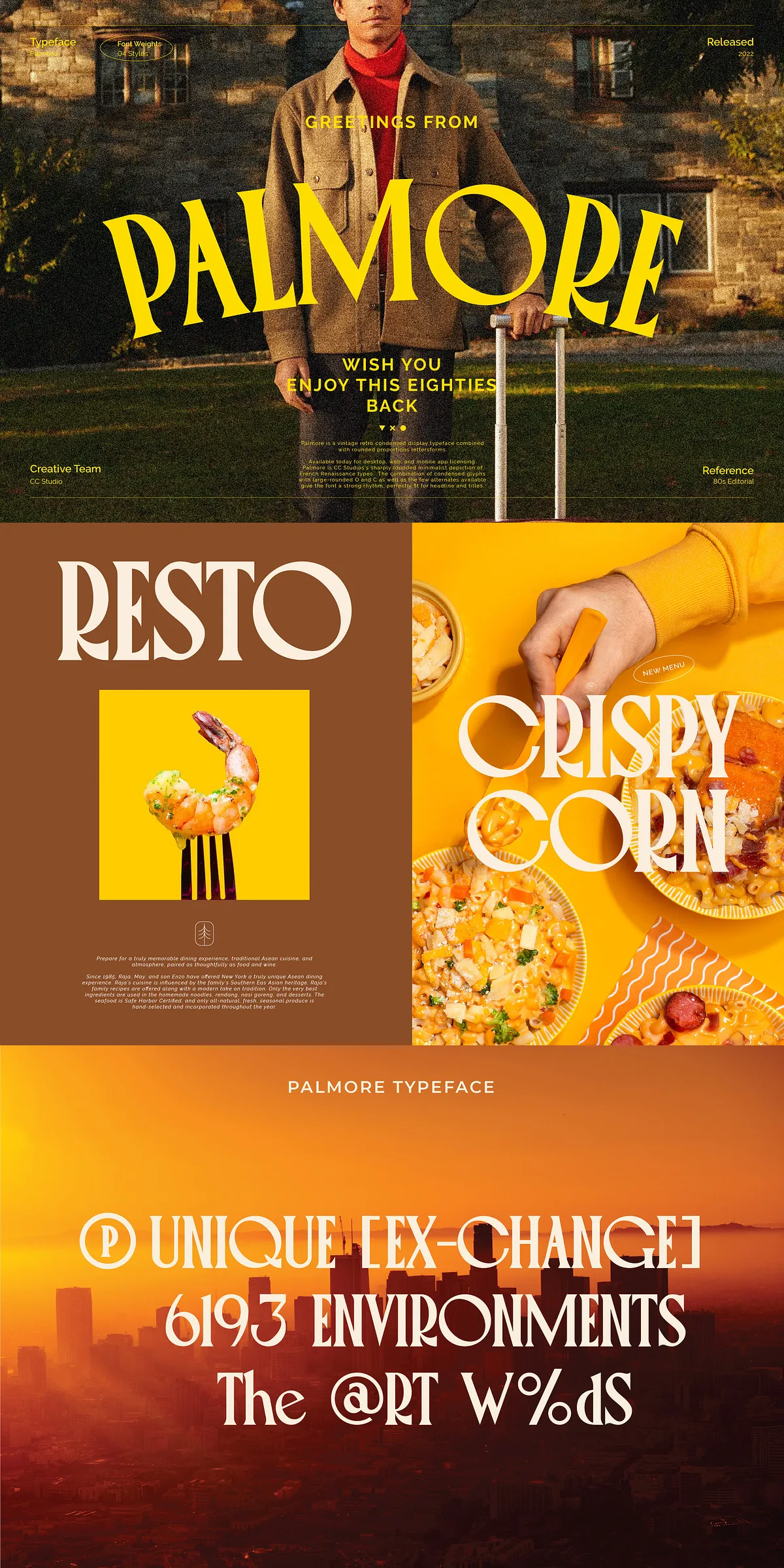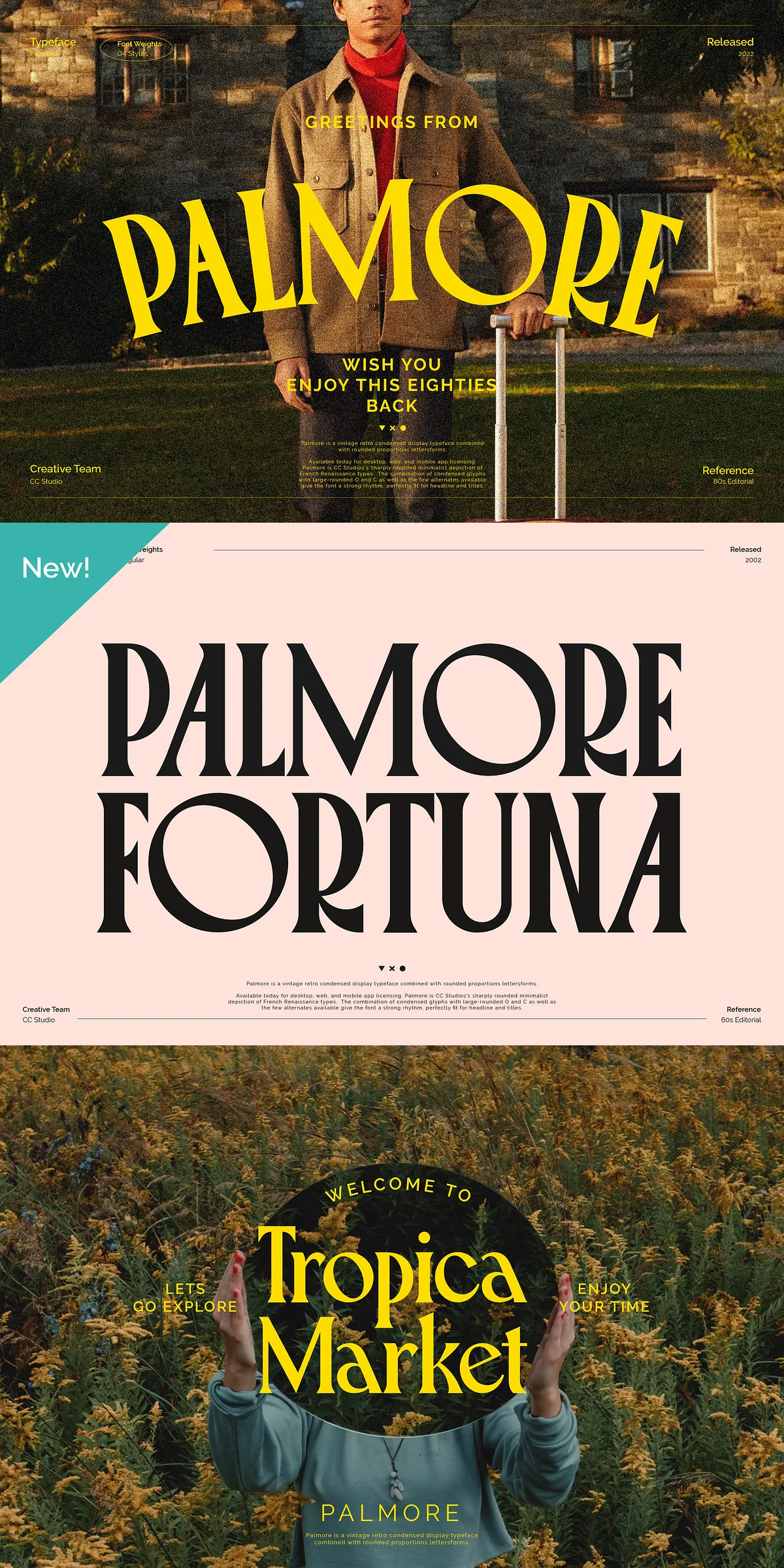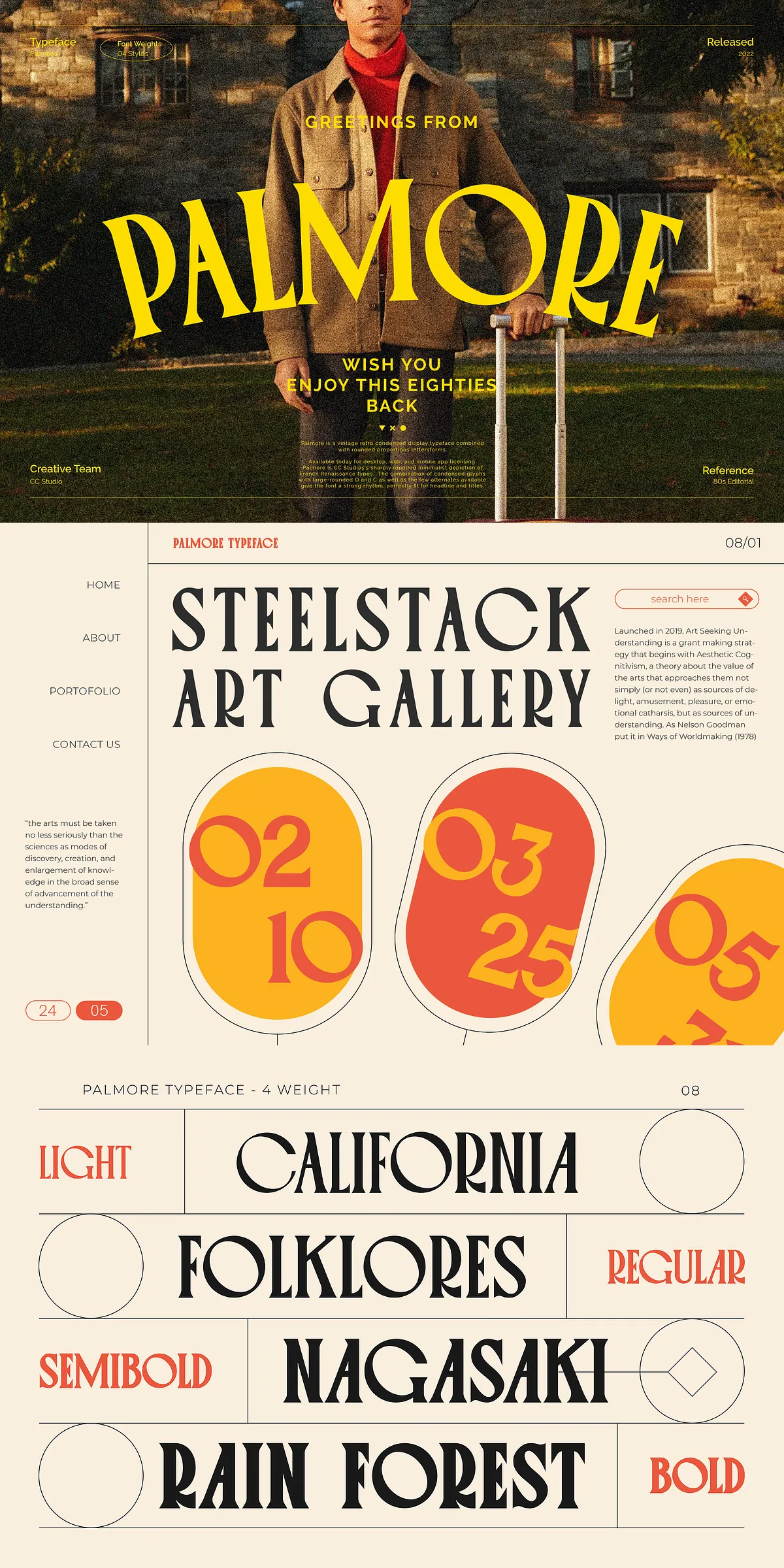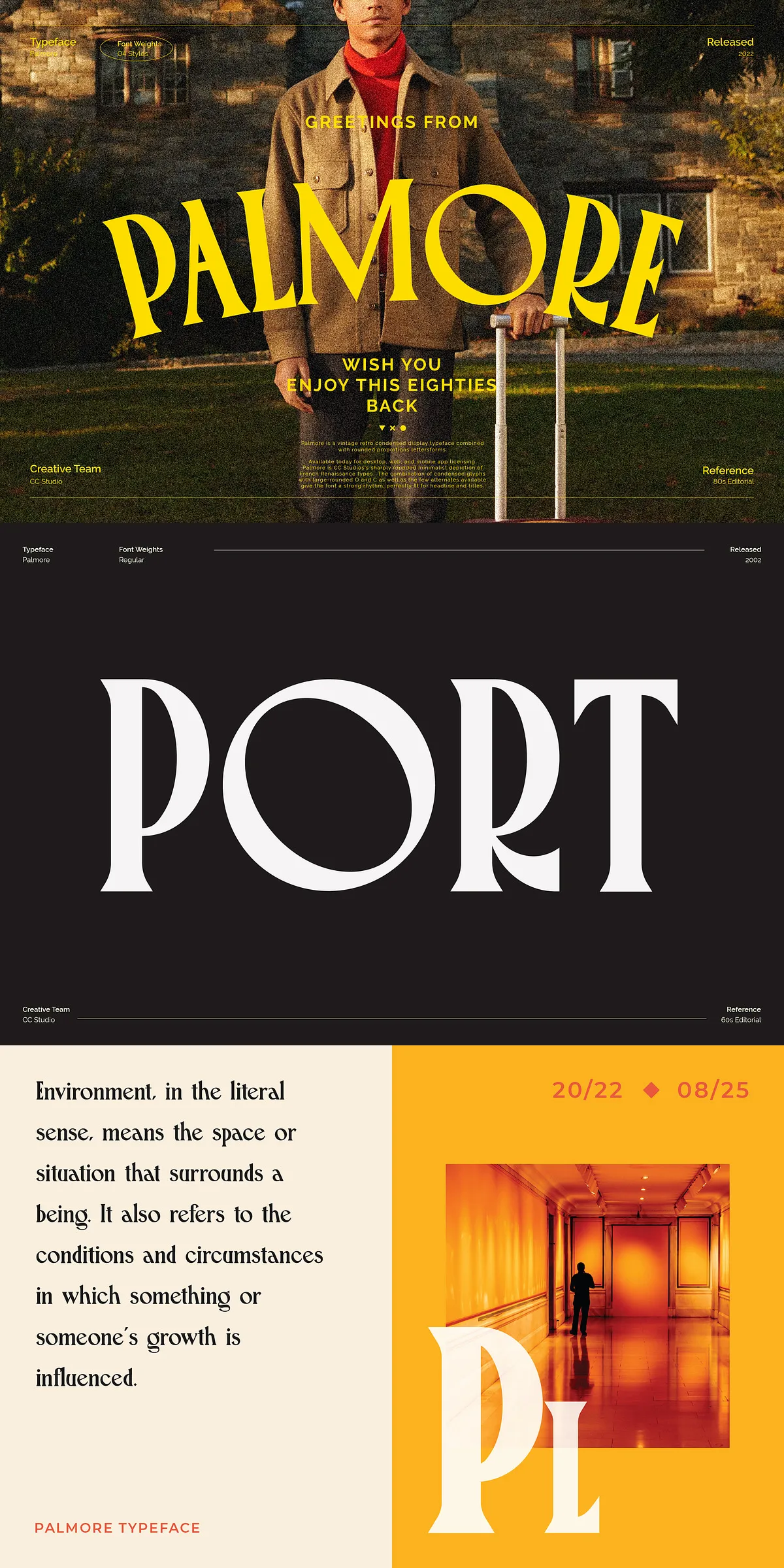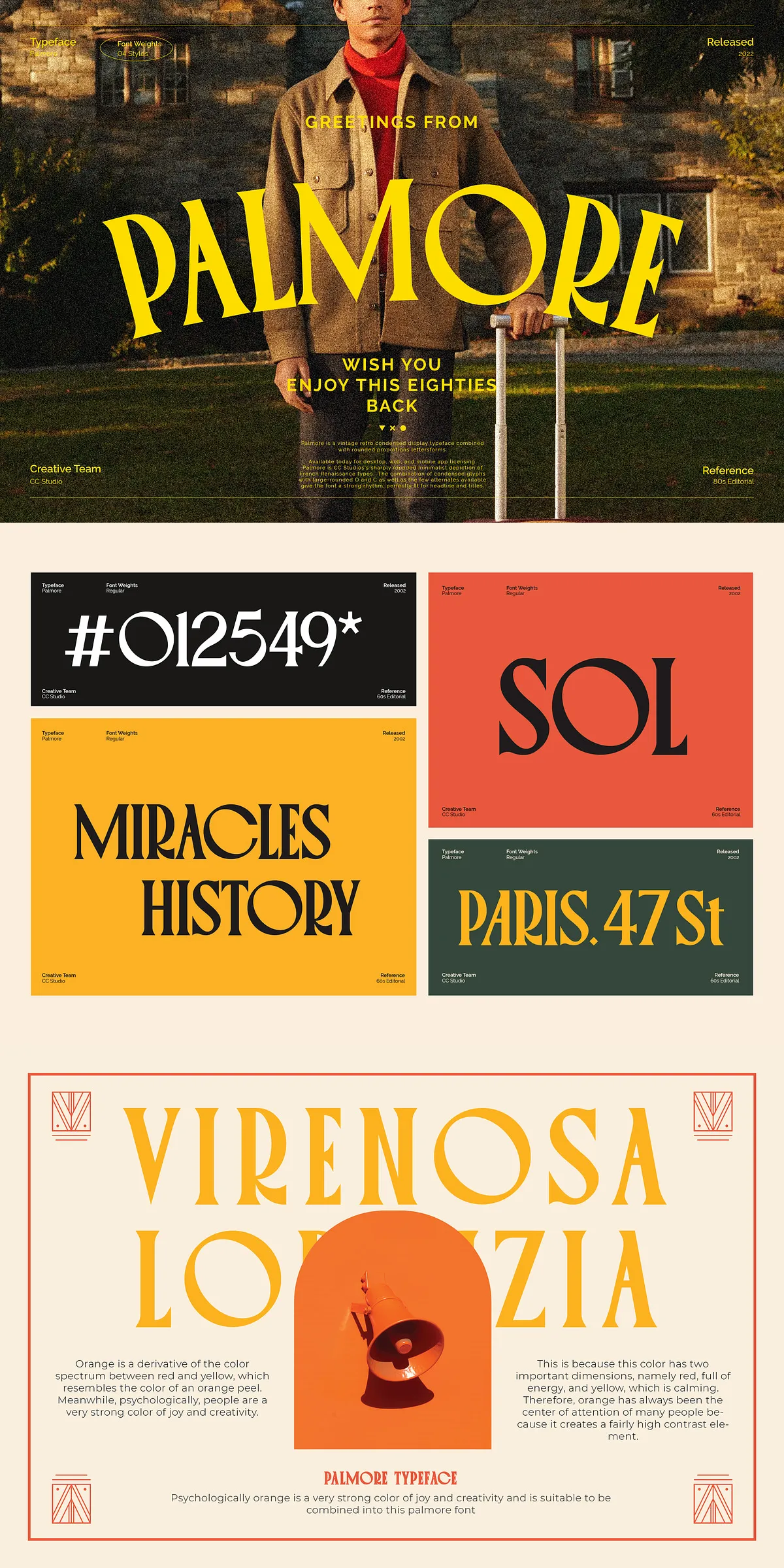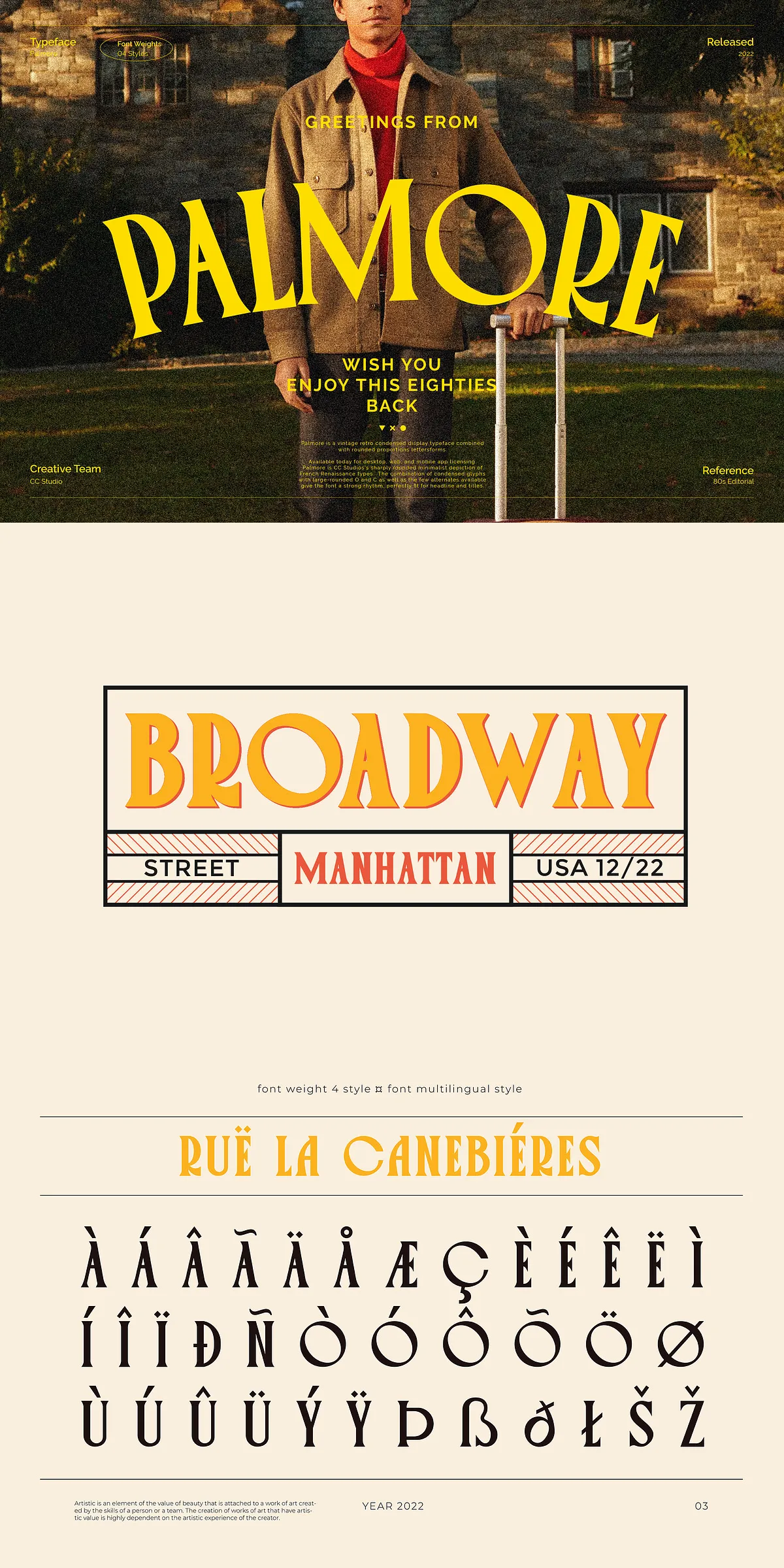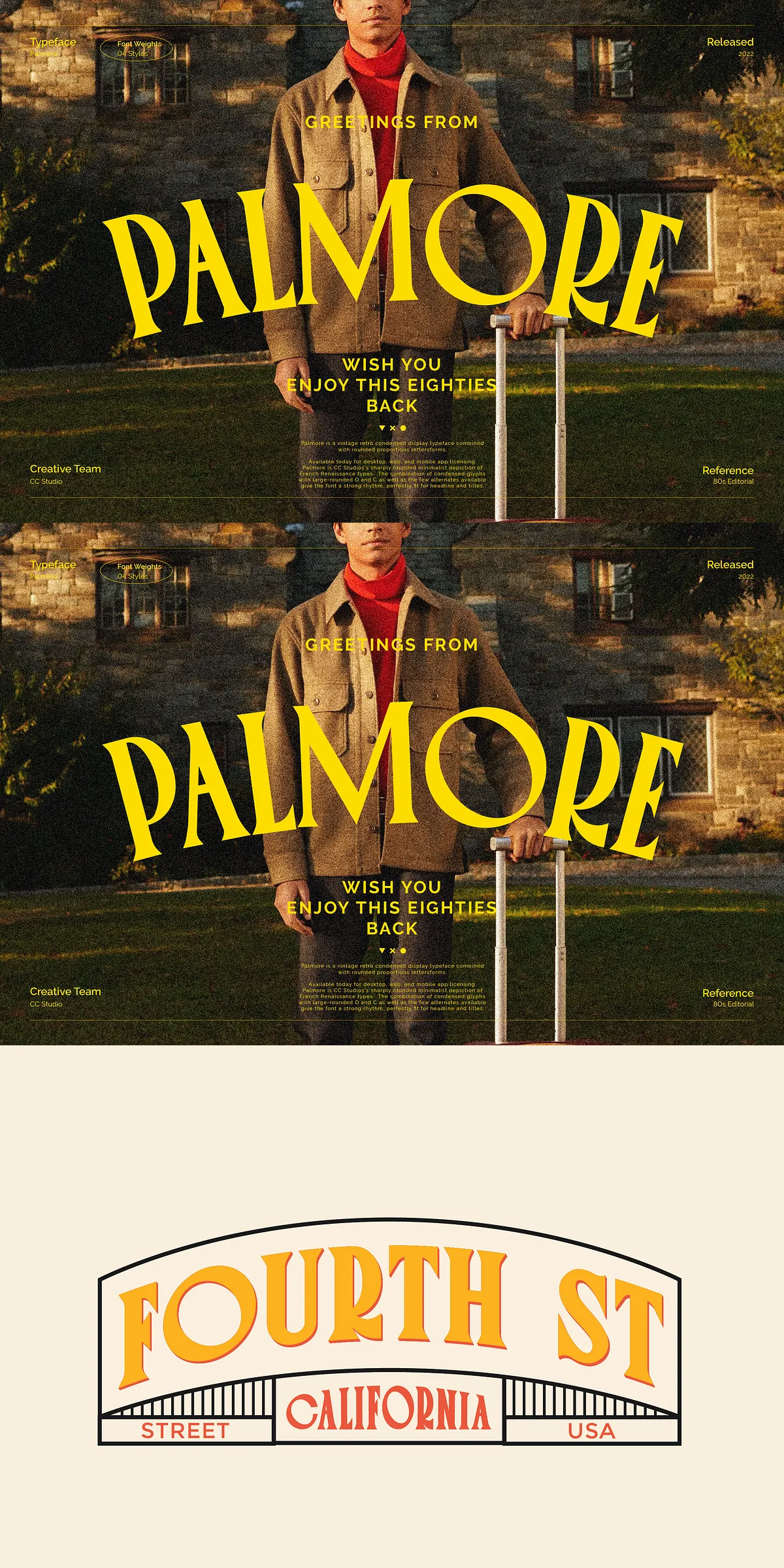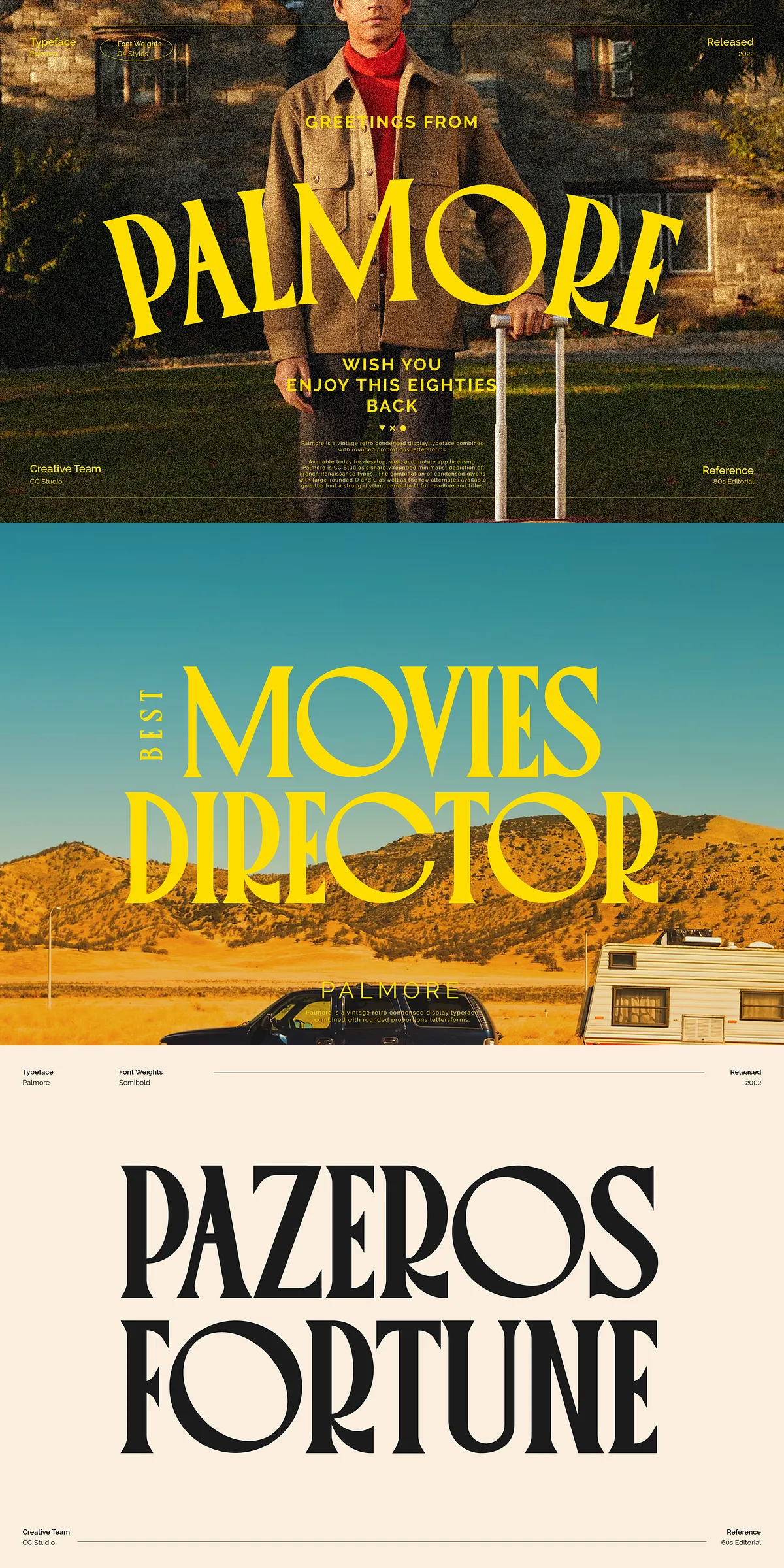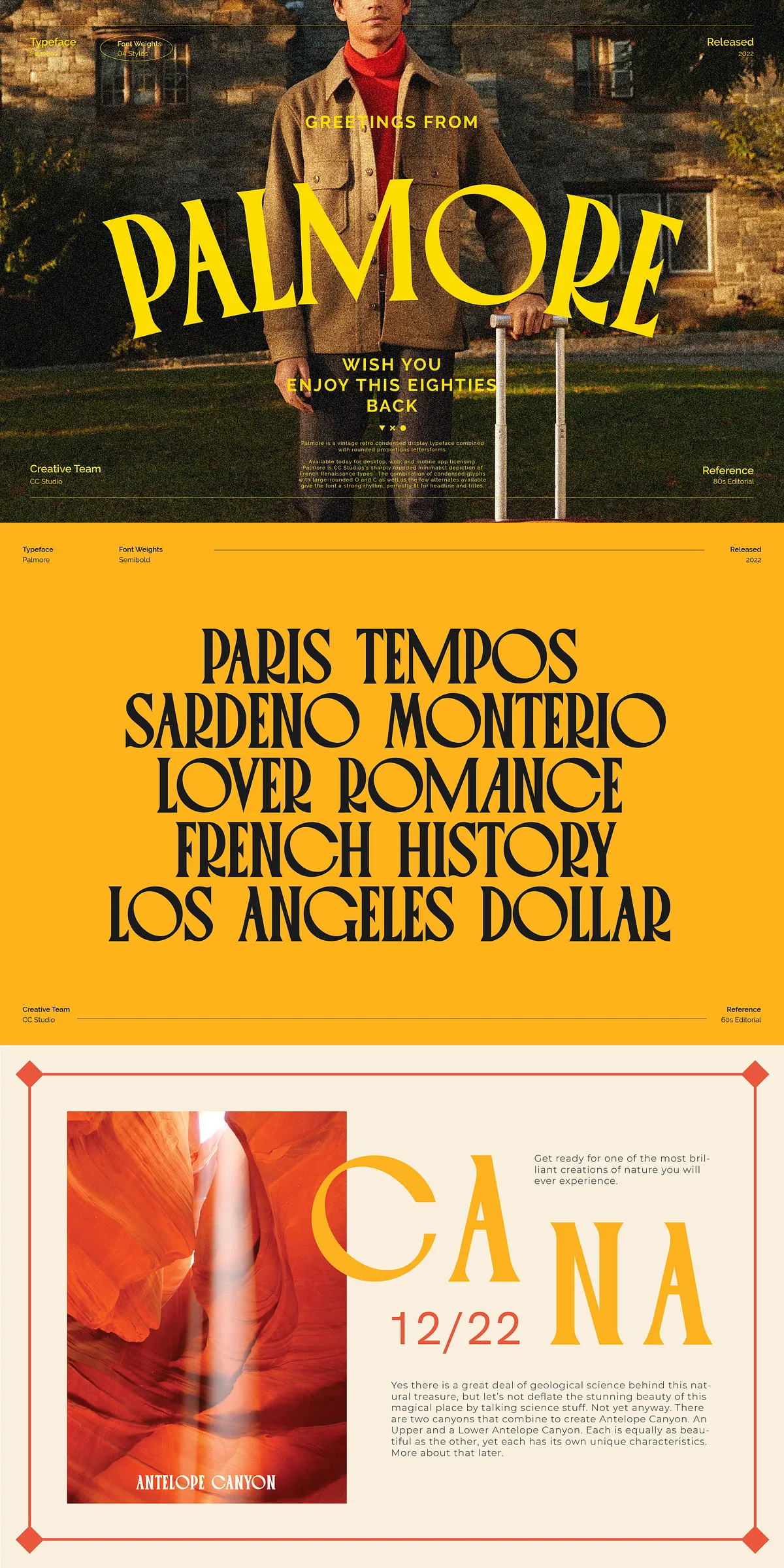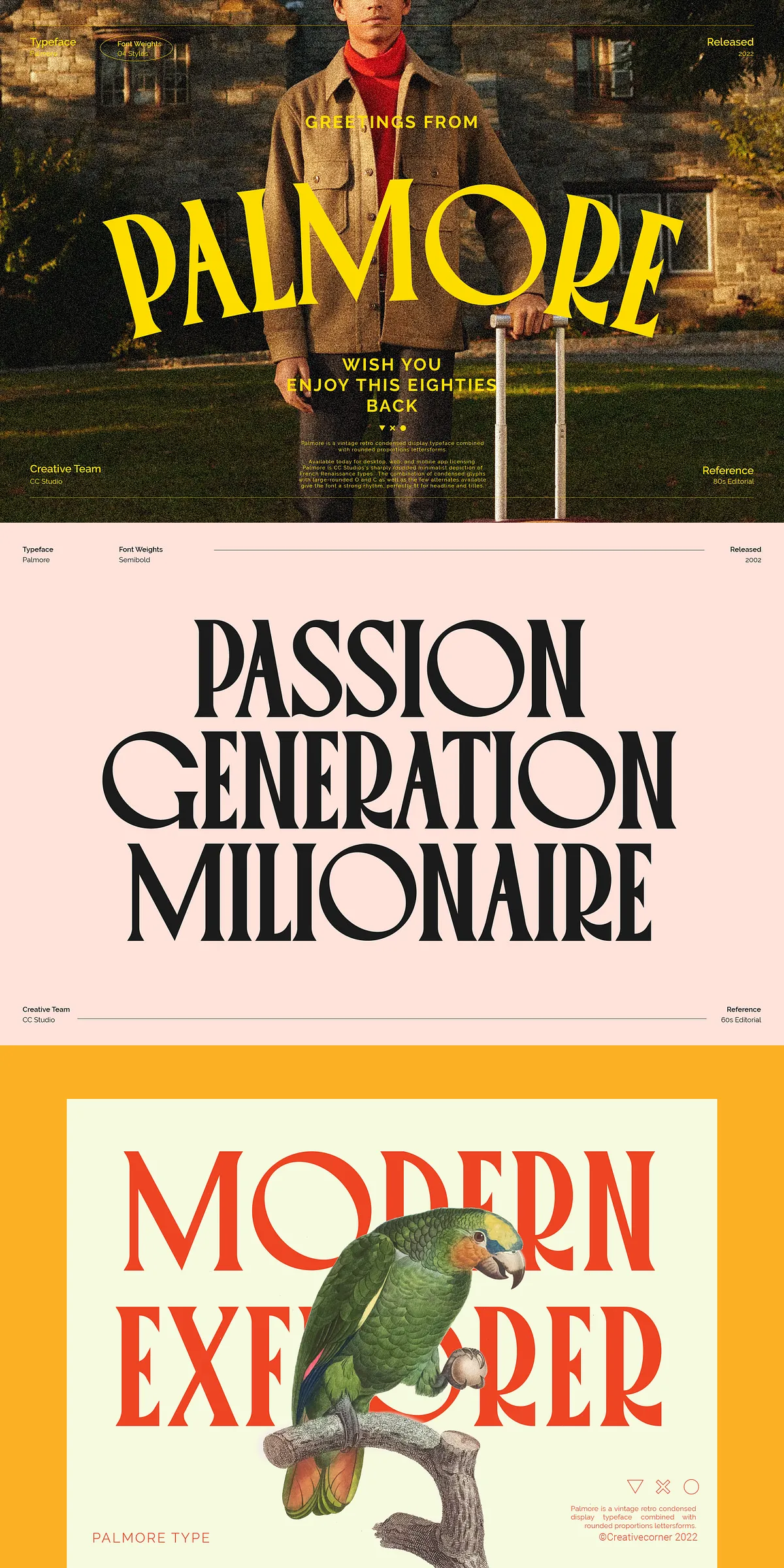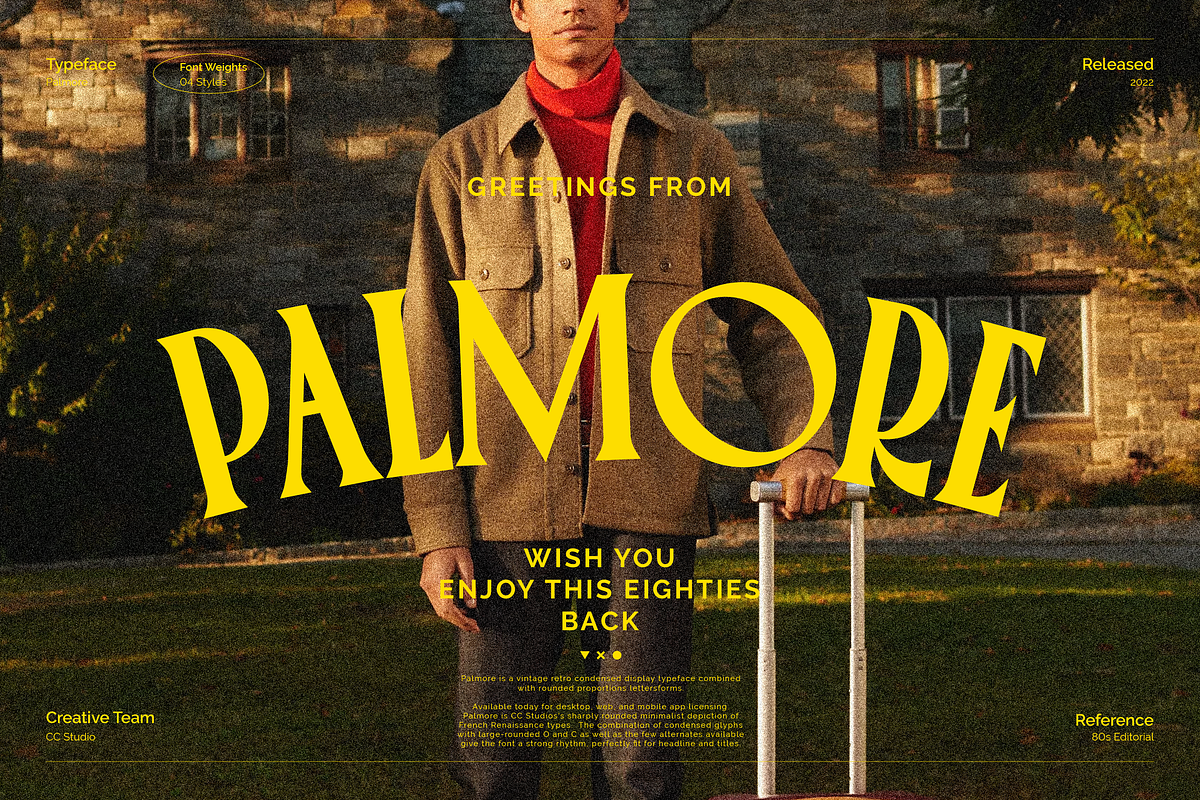

Palmore is a distinctive vintage retro condensed display typeface that combines classic design elements with modern versatility. Its unique blend of condensed letterforms and rounded proportions creates a strong visual rhythm, making it an ideal choice for headlines, titles, and any design that demands attention. If you appreciate classic and vintage typography styles, Palmore offers a perfect balance of nostalgia and contemporary flair.
Unique Design Characteristics of Palmore
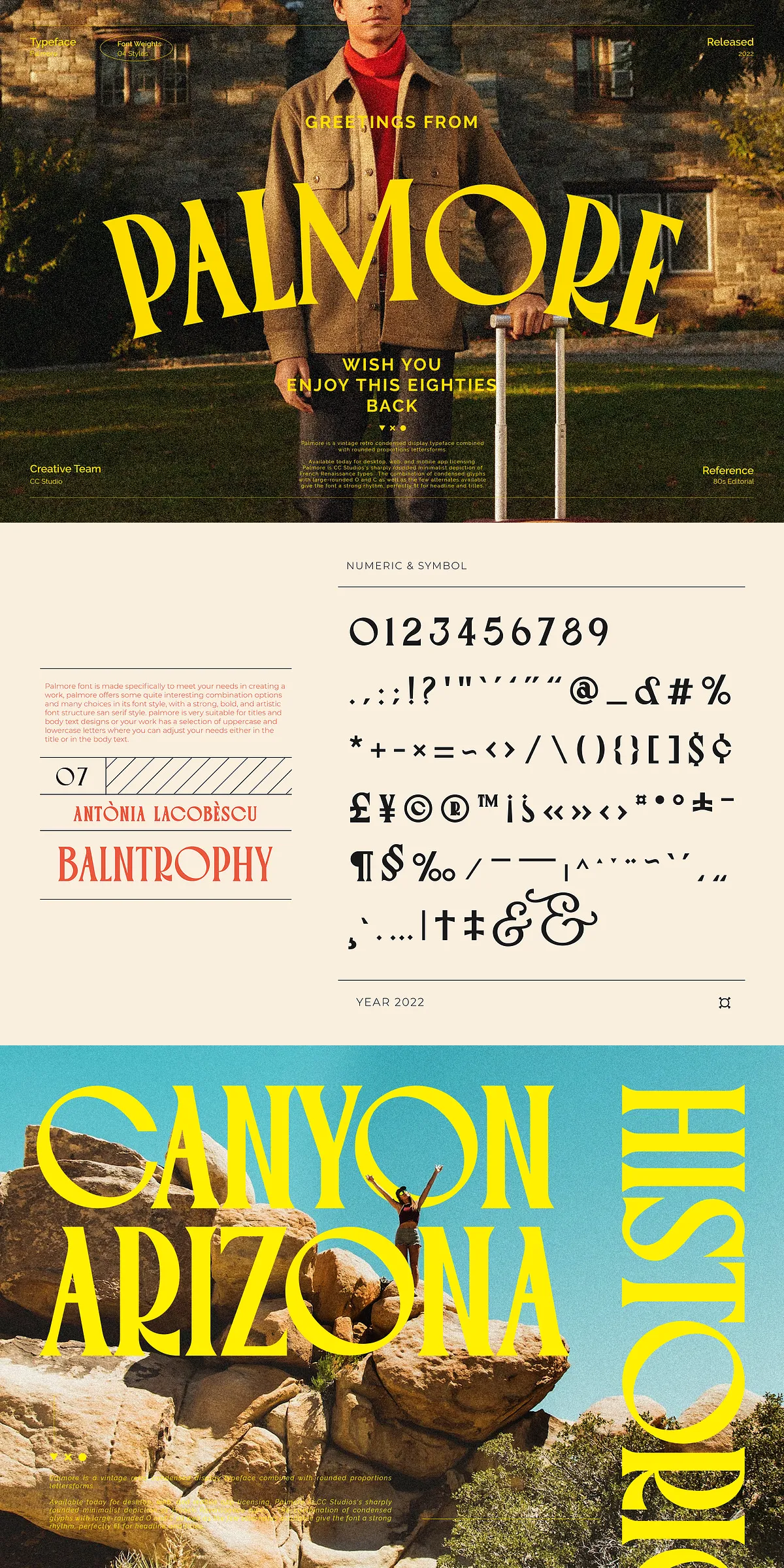
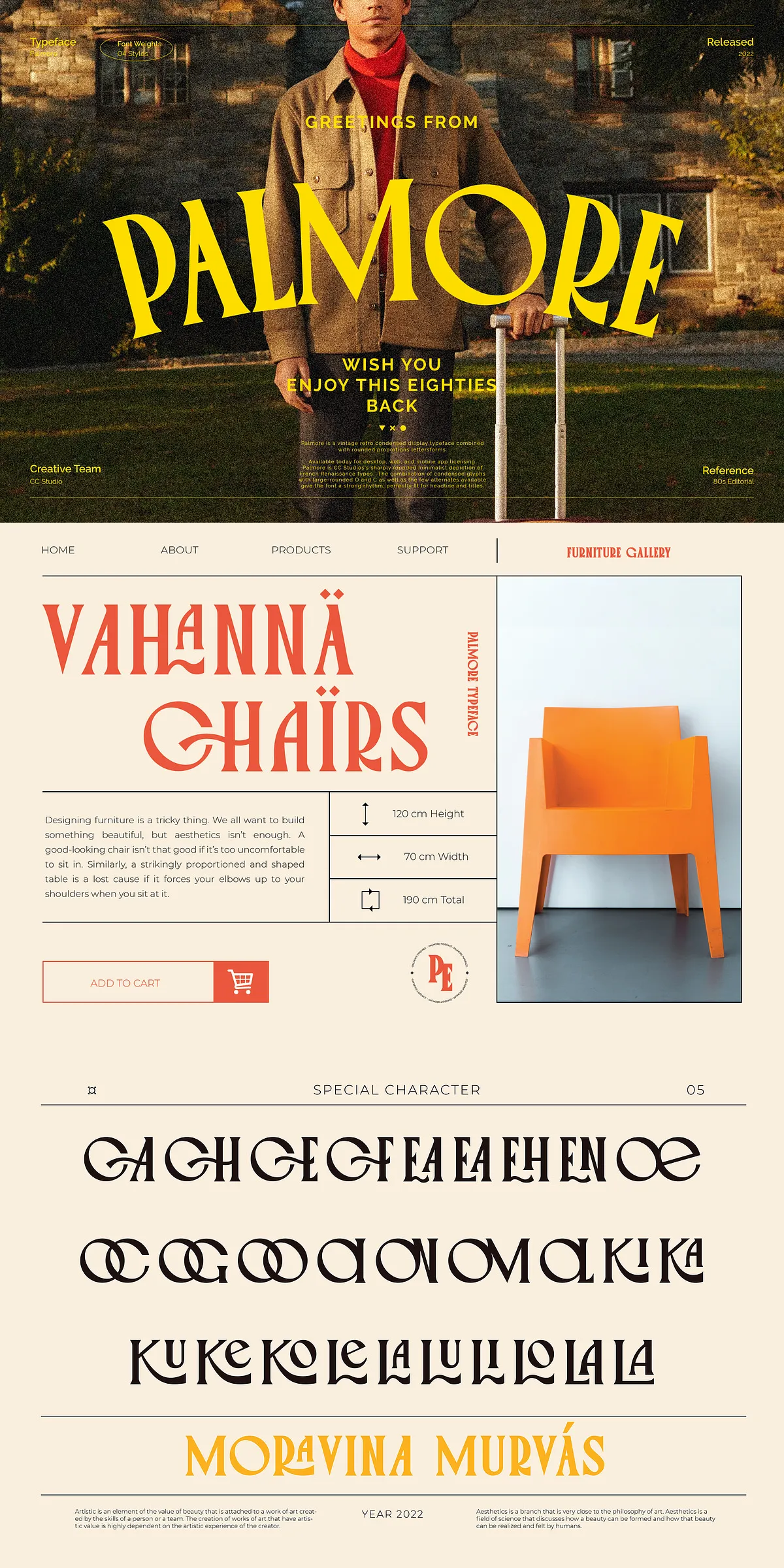
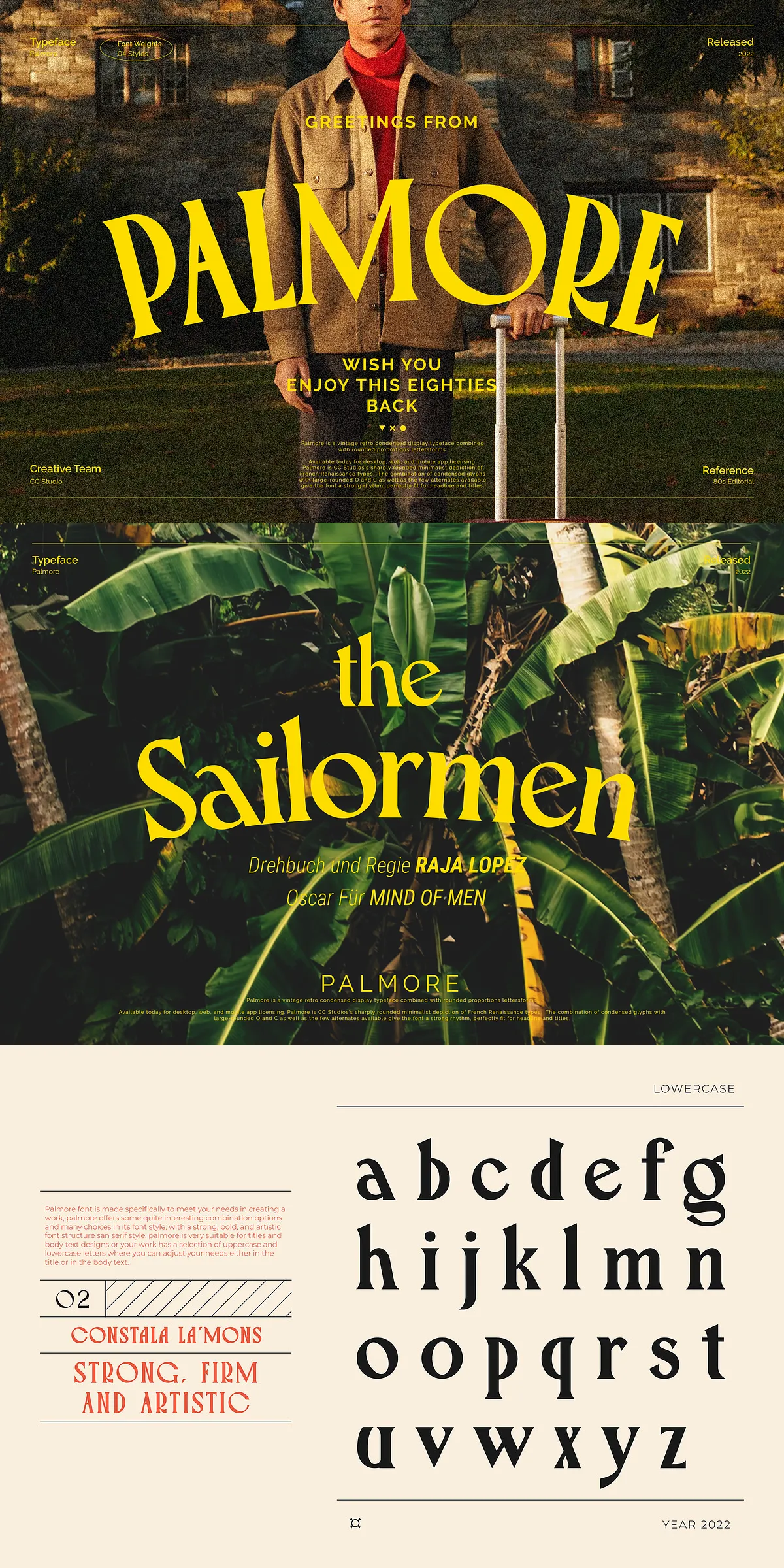
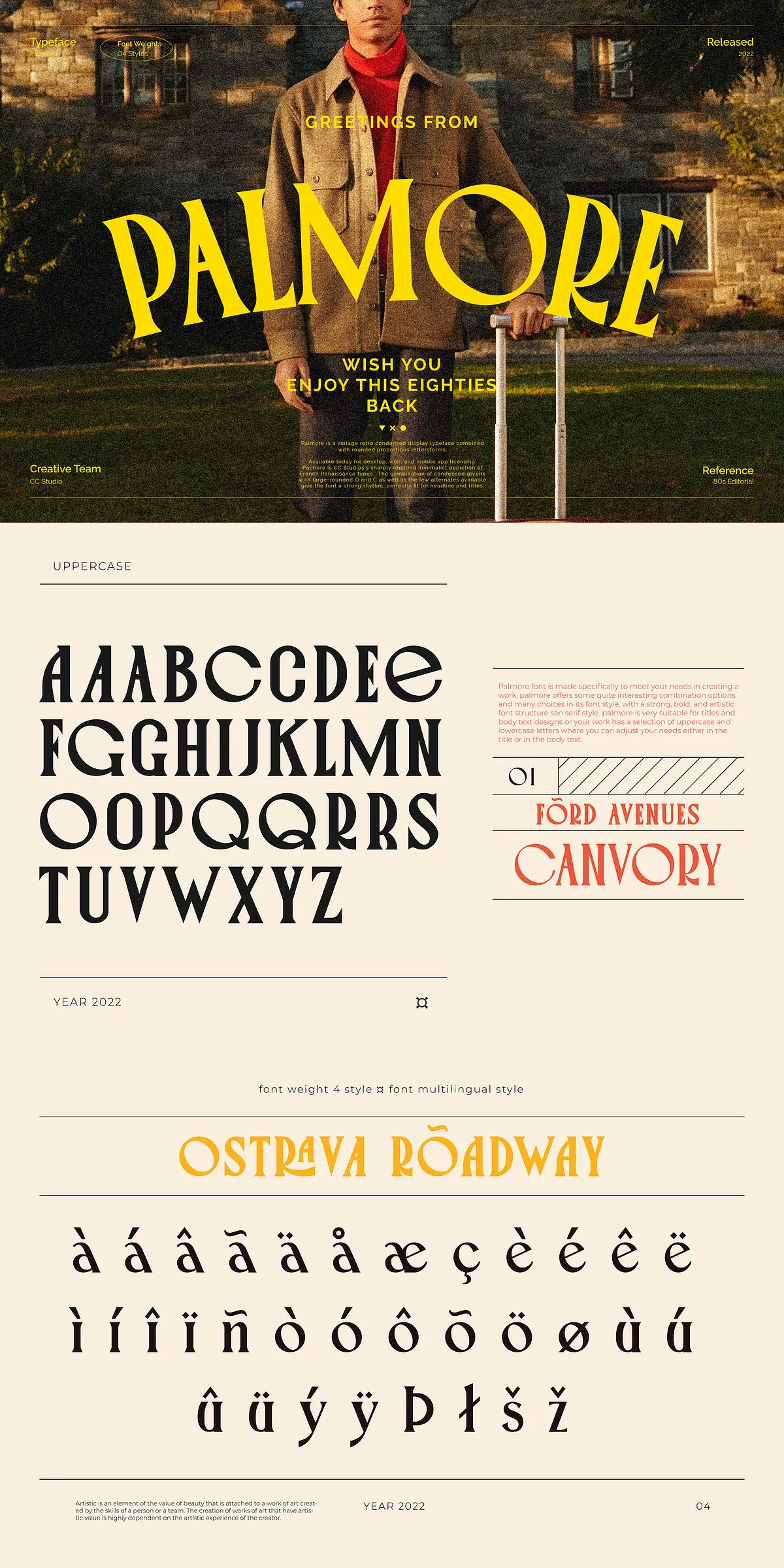
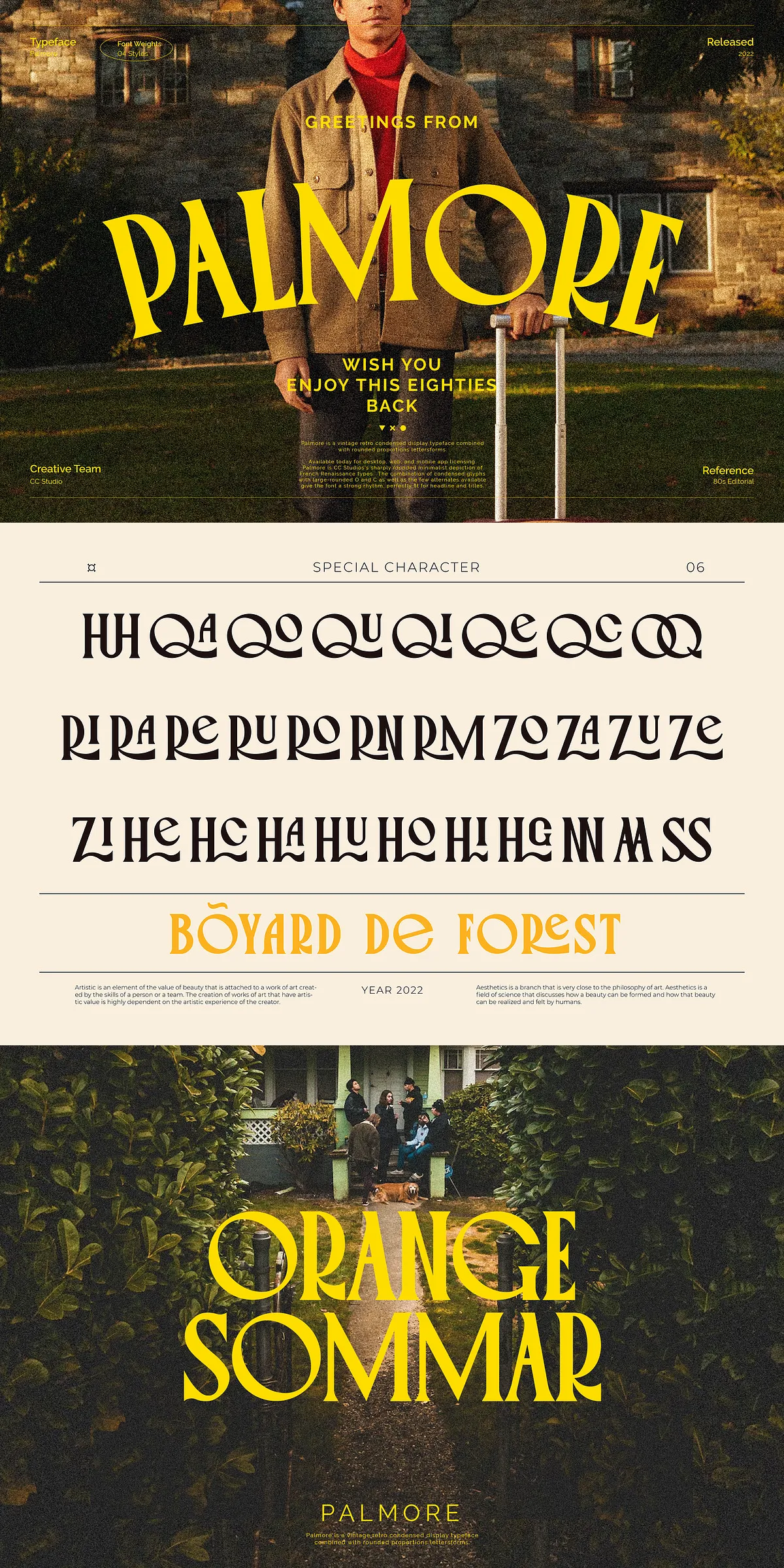
The defining feature of Palmore lies in its condensed glyphs paired with large, rounded characters such as the letter “O” and “C.” This combination produces a dynamic and engaging rhythm that enhances the overall aesthetic of your text. The font also includes several alternate characters, allowing designers to customize their typography and add personality to their projects. These alternates contribute to the font’s versatility and creative potential.
Extensive Glyph Set and Multilingual Support
Palmore comes packed with over 300 glyphs, including stylistic alternates and multilingual characters. This extensive character set ensures that you can use the font across a wide range of languages and design contexts without compromising style or readability. The availability of alternates also encourages experimentation, enabling you to explore different looks and create unique typographic compositions.
Font Weights and File Formats
Palmore is available in four distinct weights, providing flexibility to suit various design needs. Whether you require a bold statement or a lighter touch, these weights allow you to maintain consistency while adapting to different visual hierarchies. The font is delivered in both TTF and OTF formats, ensuring compatibility with most design software and platforms.
How to Access Alternate Characters
To fully utilize Palmore’s stylistic alternates and ligatures, you need to access the glyphs panel in your design software. Here’s how:
- Adobe Photoshop: Navigate to Window > Glyphs to open the glyphs panel and select alternate characters.
- Adobe Illustrator: Go to Type > Glyphs to access the panel and explore the available alternates.
Using these features, you can customize your typography to achieve the exact look and feel you desire, enhancing the uniqueness of your design.
Why Choose Palmore for Your Projects?
Palmore’s vintage retro style combined with its condensed and rounded letterforms makes it a standout choice for designers aiming to evoke a classic yet fresh aesthetic. Its strong rhythm and visual impact are perfect for grabbing attention in headlines, posters, branding, and editorial layouts. The font’s versatility, supported by multiple weights and extensive glyph options, empowers you to create compelling and memorable designs.